All Activity
Past hour
-
Hill was a 5-star we was developed to his full pontential which shows with how well he's playing with real NFL development. It's not a shot to say Nanen is a drunk, when he has a literal DUI during a game week.
-
Things change.
-
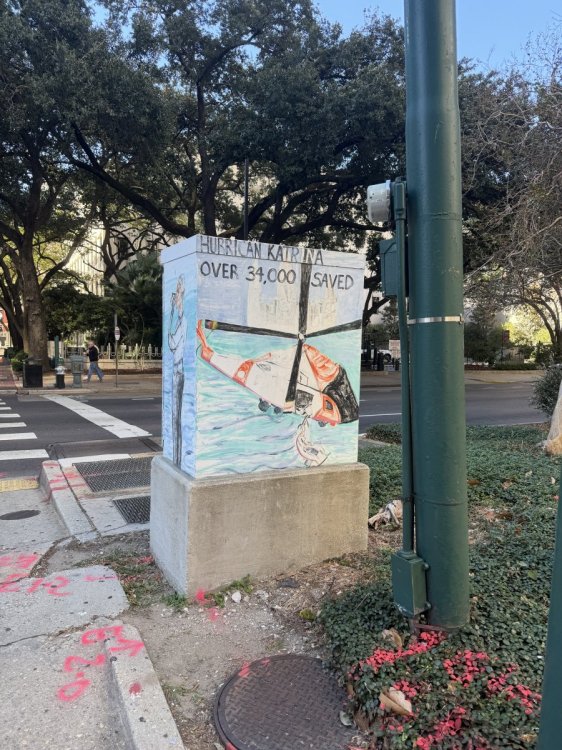
NOLA in the morning.


-
The flip side… they haven’t lost to unranked teams Going 10-0, with backup QB for five games … is an accomplishment this year I CFB
-
Bobby does the teams game day schedule change today with the late arrival last night?
-
Cheer for Vandy so we get a return of the Vanderbilt pimp...if nothing else. IYKYKAgainst not even one ranked team... LOLCould be brilliant or massively dumbPreseason this was a near unanimous loss by everyone. We underperform relative to expectations, and now it’s a near unanimous win for everyone. Hahaha. 27-17 LSUFirst quarter? That card if for the 3rd drive of the game.23-16 LSU
Important Information
We have placed cookies on your device to help make this website better. You can adjust your cookie settings, otherwise we'll assume you're okay to continue.
Account
Navigation
Search
Configure browser push notifications
Chrome (Android)
- Tap the lock icon next to the address bar.
- Tap Permissions → Notifications.
- Adjust your preference.
Chrome (Desktop)
- Click the padlock icon in the address bar.
- Select Site settings.
- Find Notifications and adjust your preference.
Safari (iOS 16.4+)
- Ensure the site is installed via Add to Home Screen.
- Open Settings App → Notifications.
- Find your app name and adjust your preference.
Safari (macOS)
- Go to Safari → Preferences.
- Click the Websites tab.
- Select Notifications in the sidebar.
- Find this website and adjust your preference.
Edge (Android)
- Tap the lock icon next to the address bar.
- Tap Permissions.
- Find Notifications and adjust your preference.
Edge (Desktop)
- Click the padlock icon in the address bar.
- Click Permissions for this site.
- Find Notifications and adjust your preference.
Firefox (Android)
- Go to Settings → Site permissions.
- Tap Notifications.
- Find this site in the list and adjust your preference.
Firefox (Desktop)
- Open Firefox Settings.
- Search for Notifications.
- Find this site in the list and adjust your preference.