






Sarah O
Supporters
-
Joined
Everything posted by Sarah O
-
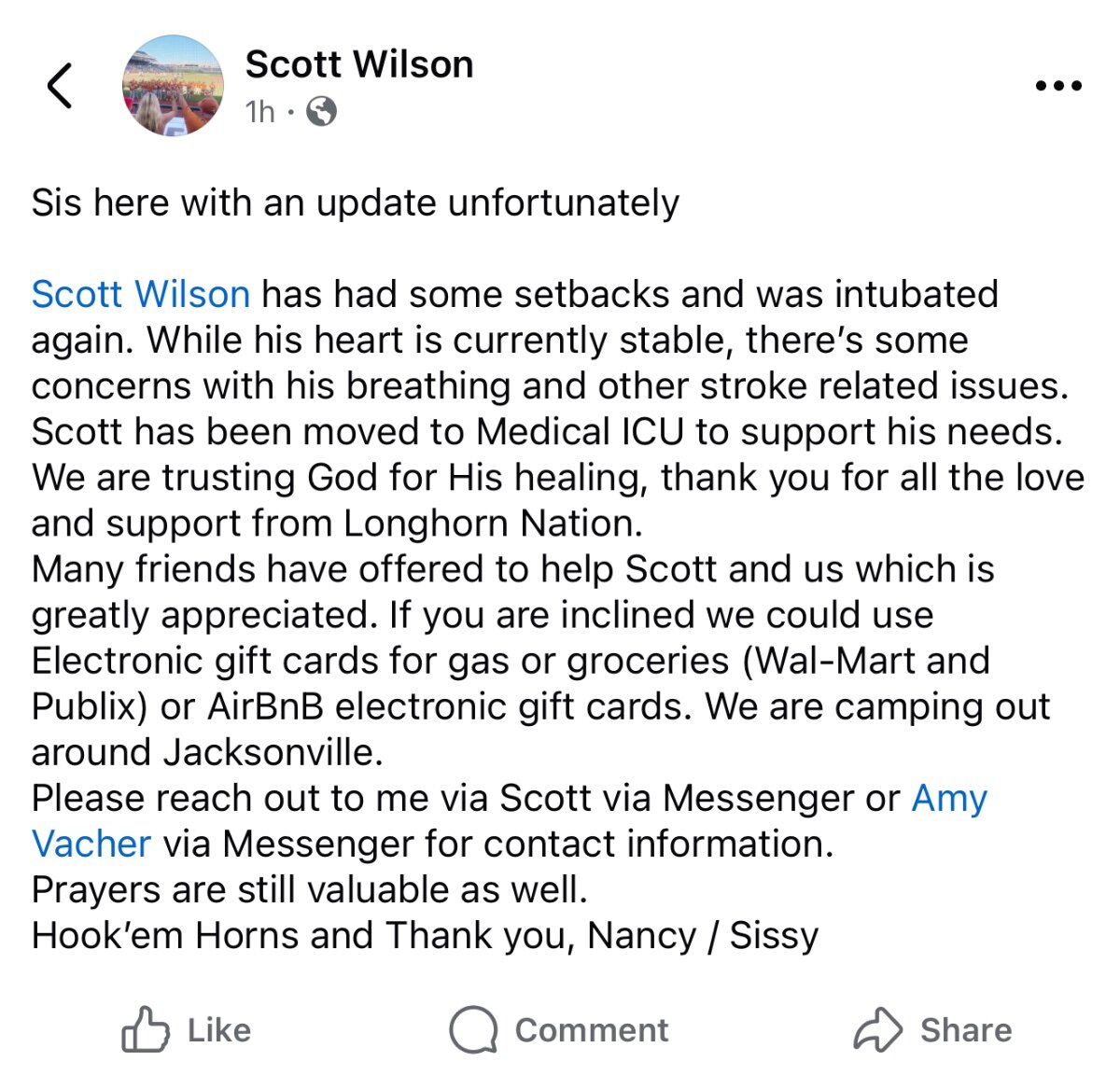
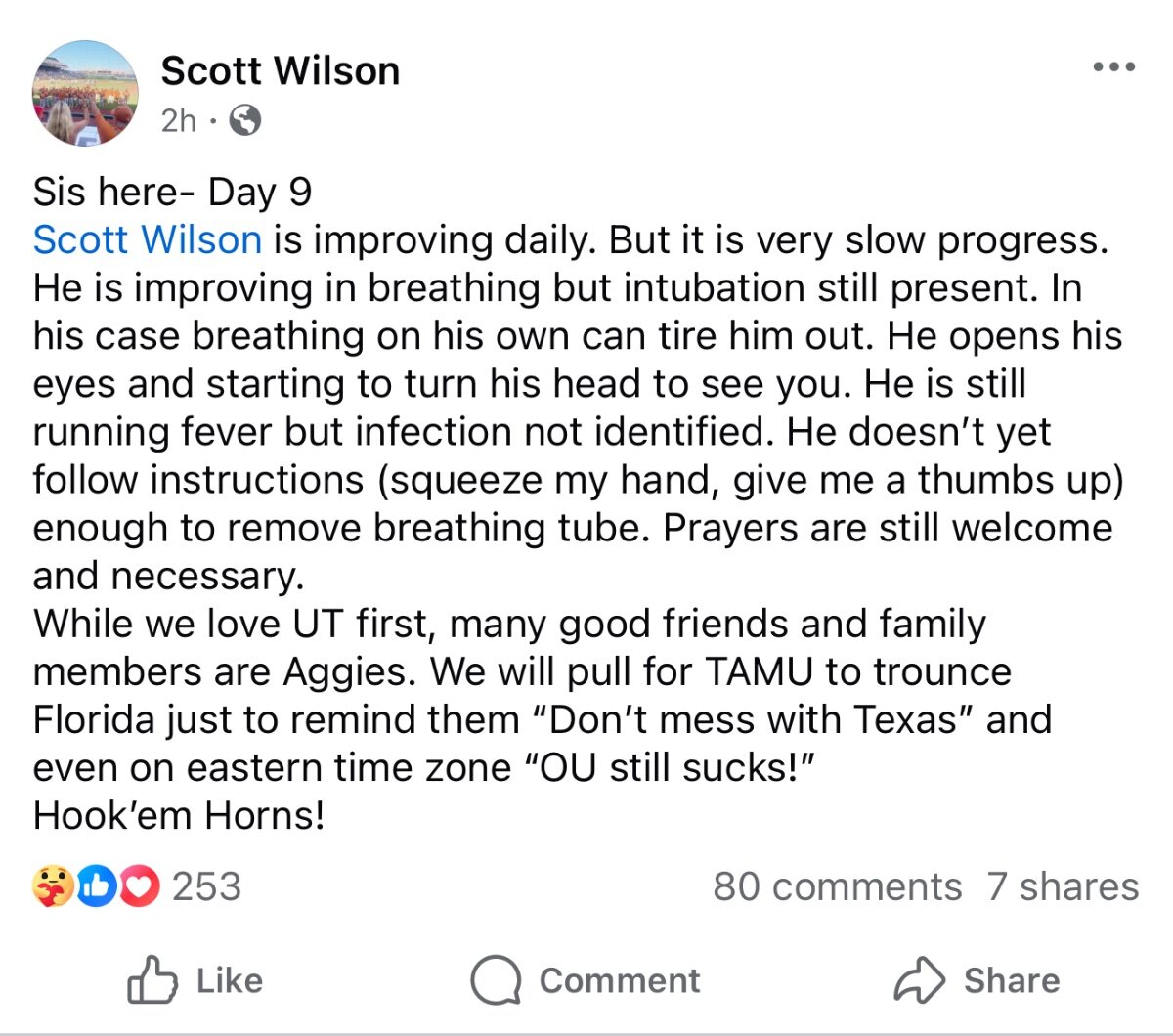
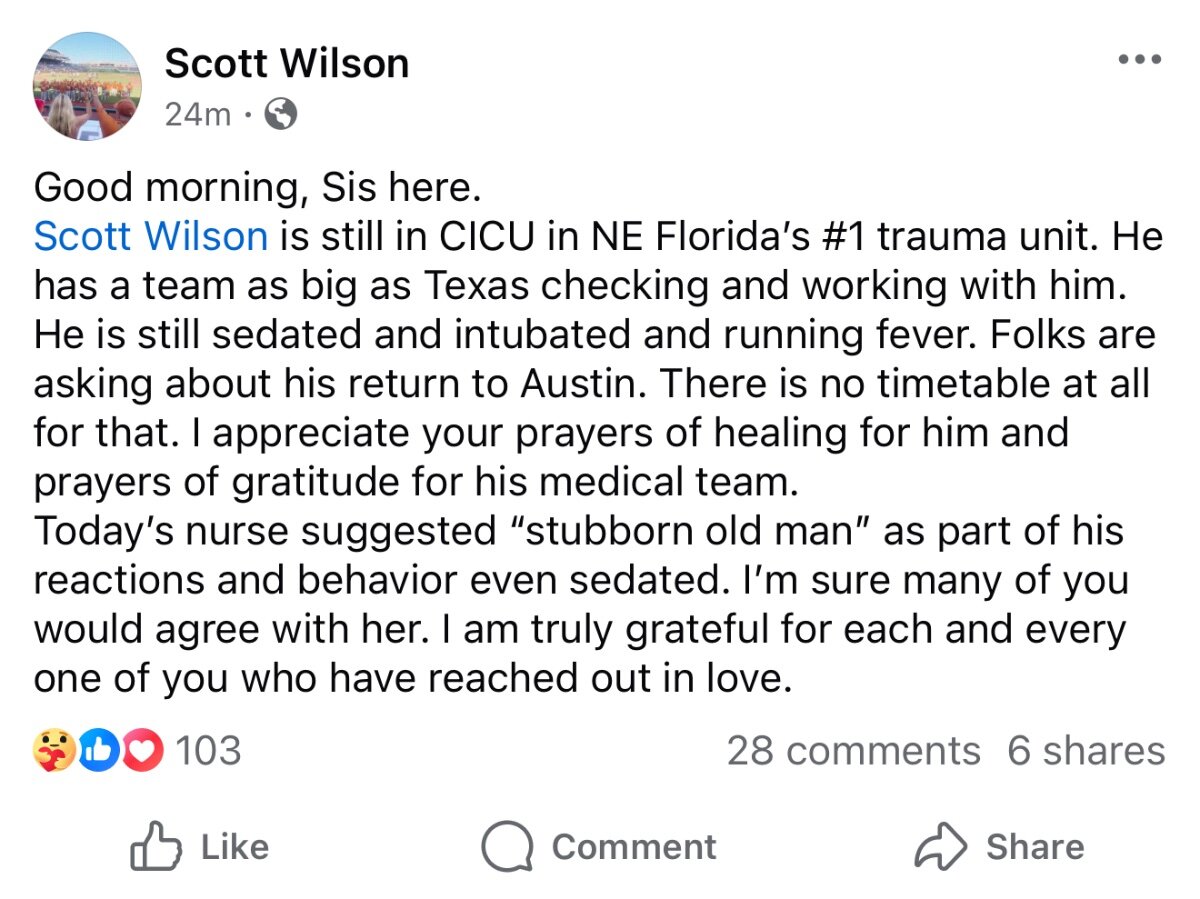
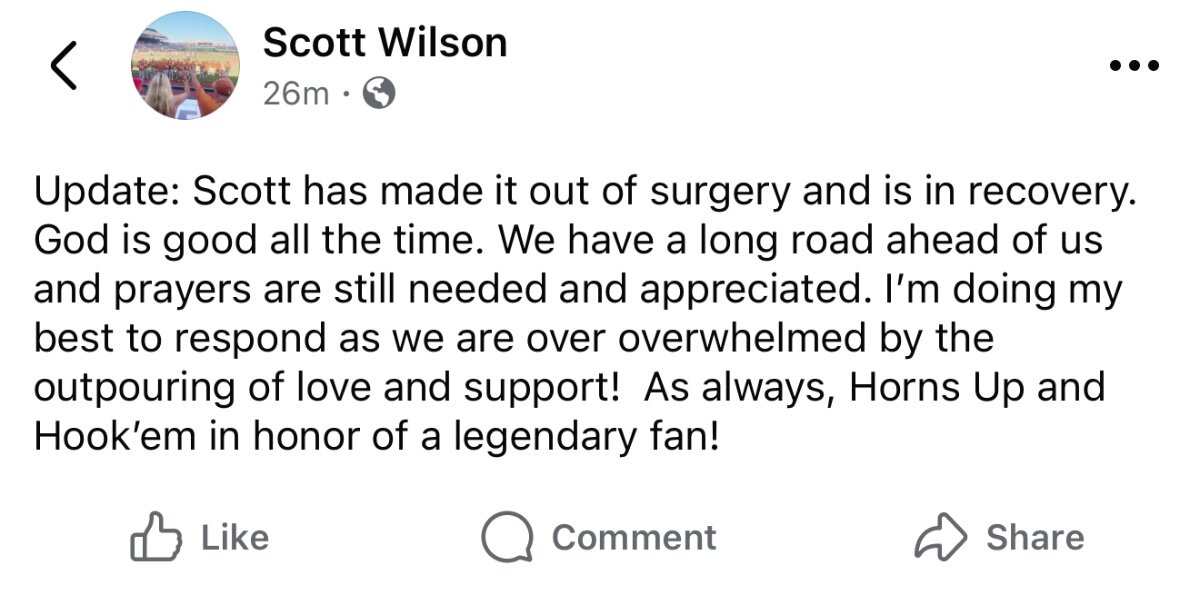
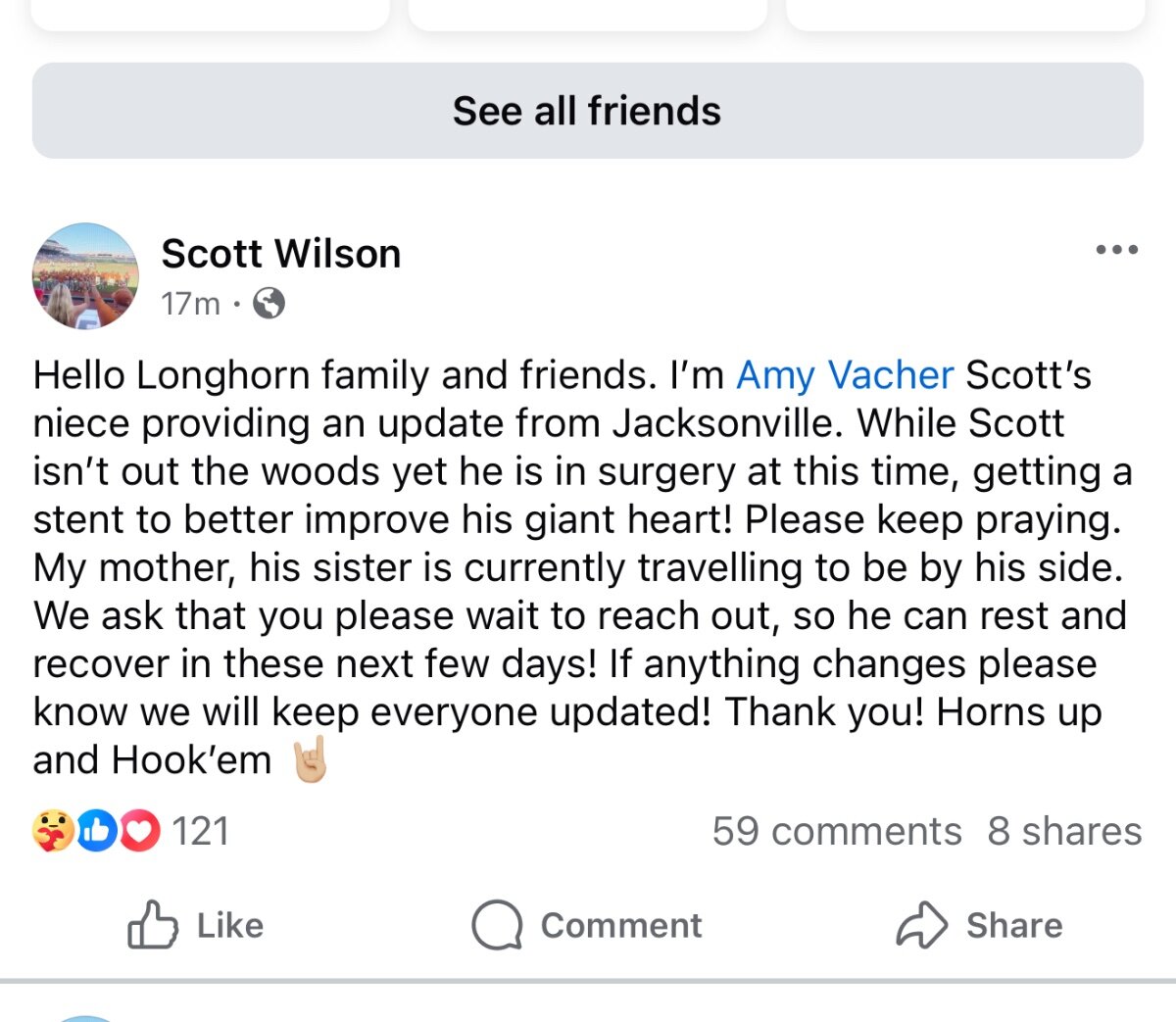
This was posted 2 hrs ago on his FB page. Continued prayers for Scott 🙏
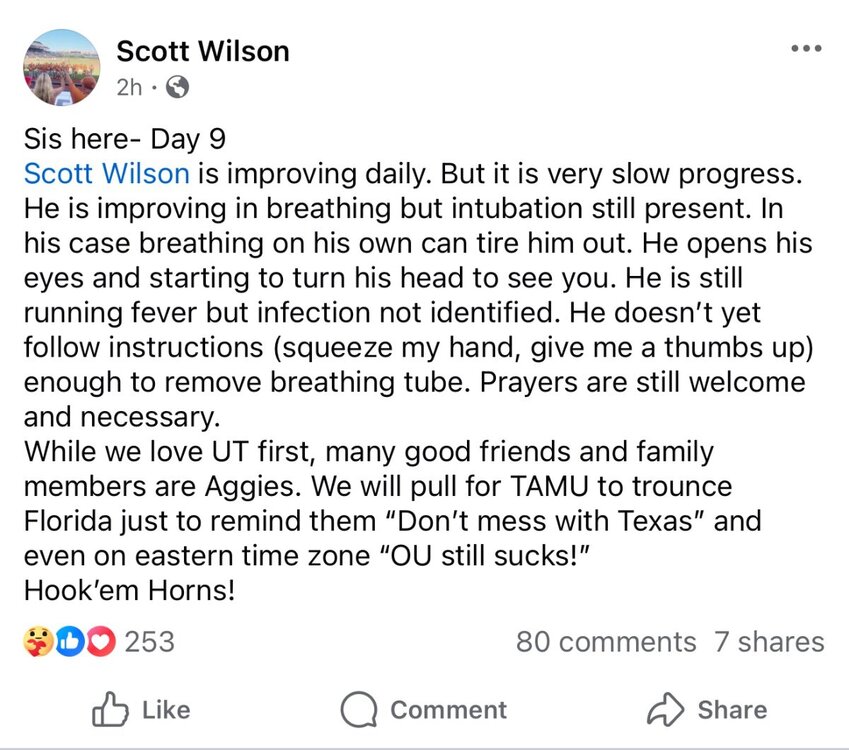 Let’s go ladies! 🤘This update is on his Facebook profile 🙏
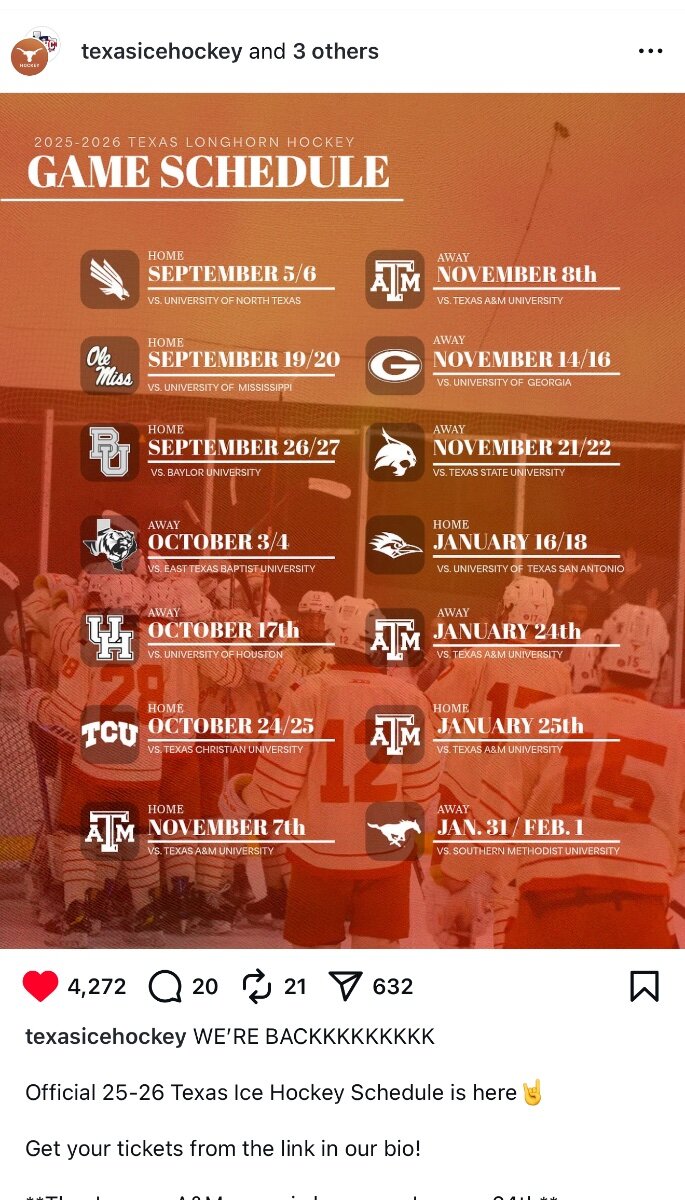
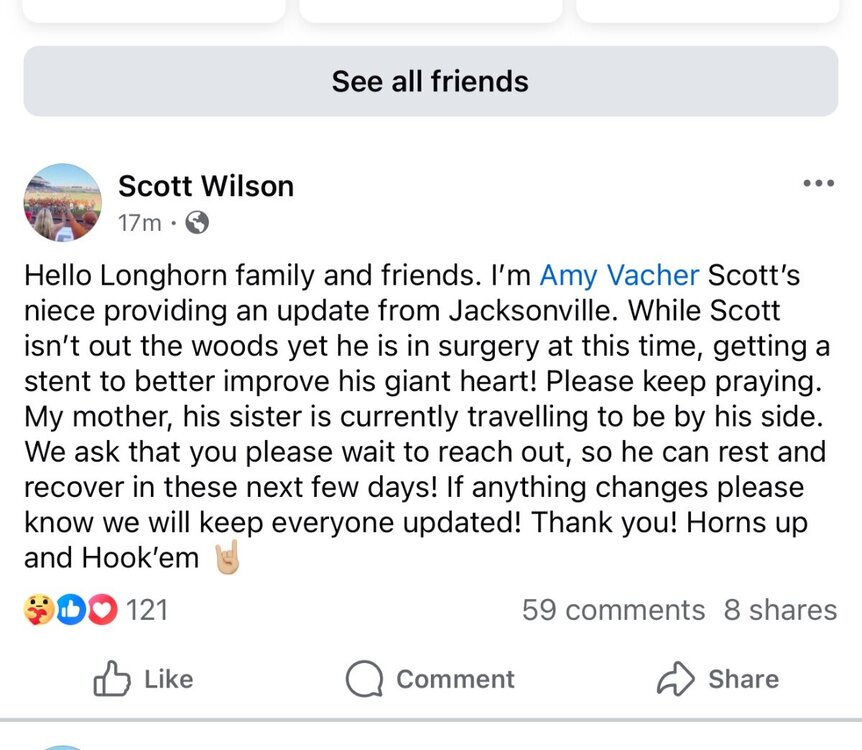 So glad to hear that he’s stable. Thank you for the update. Continued prayers for Scott 🙏Prayers for Scott 🙏Here’s the tailgate link- http://tinyurl.com/floridaotf Bobby said Spurrier’s on Friday but not sure of all the details. Have fun! 🤘New show w Bobby B and Dr. Brett with updates and a breakdown of scoring. Thanks for keeping track for us, @DirectorsCupUpdates! So cool that you got to be there for the trophy presentation. What an experience! https://youtu.be/_WyOty35RnA?si=SYilWemY87S0w9JmI love hockey, but I’m a Bruins fan! Texas does have a D2 ice hockey team that I somewhat follow. Made it to the ACHA D2 Nationals last season.

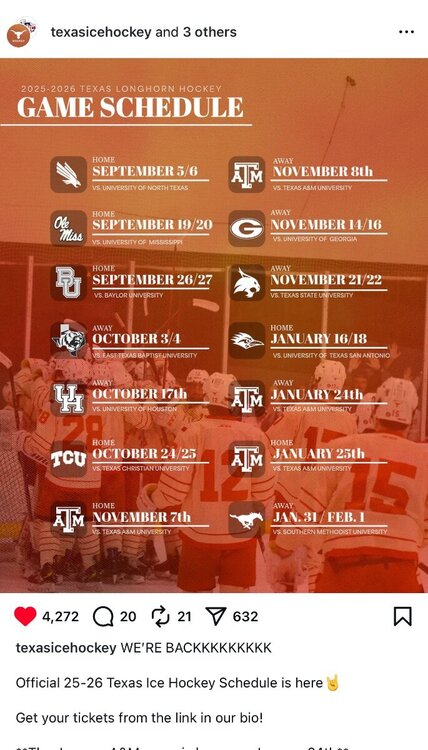 Let’s go! 🤘
Important Information
We have placed cookies on your device to help make this website better. You can adjust your cookie settings, otherwise we'll assume you're okay to continue.
Account
Navigation
Search
Configure browser push notifications
Chrome (Android)
- Tap the lock icon next to the address bar.
- Tap Permissions → Notifications.
- Adjust your preference.
Chrome (Desktop)
- Click the padlock icon in the address bar.
- Select Site settings.
- Find Notifications and adjust your preference.
Safari (iOS 16.4+)
- Ensure the site is installed via Add to Home Screen.
- Open Settings App → Notifications.
- Find your app name and adjust your preference.
Safari (macOS)
- Go to Safari → Preferences.
- Click the Websites tab.
- Select Notifications in the sidebar.
- Find this website and adjust your preference.
Edge (Android)
- Tap the lock icon next to the address bar.
- Tap Permissions.
- Find Notifications and adjust your preference.
Edge (Desktop)
- Click the padlock icon in the address bar.
- Click Permissions for this site.
- Find Notifications and adjust your preference.
Firefox (Android)
- Go to Settings → Site permissions.
- Tap Notifications.
- Find this site in the list and adjust your preference.
Firefox (Desktop)
- Open Firefox Settings.
- Search for Notifications.
- Find this site in the list and adjust your preference.