






Longhornfrenzy
Members
-
Joined
-
Last visited
Everything posted by Longhornfrenzy
-
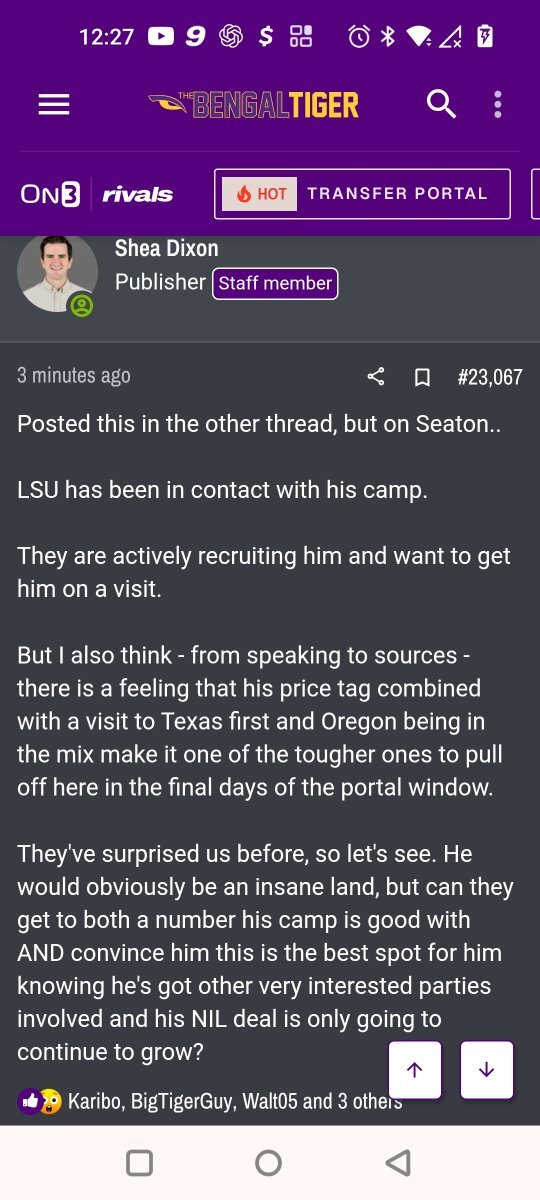
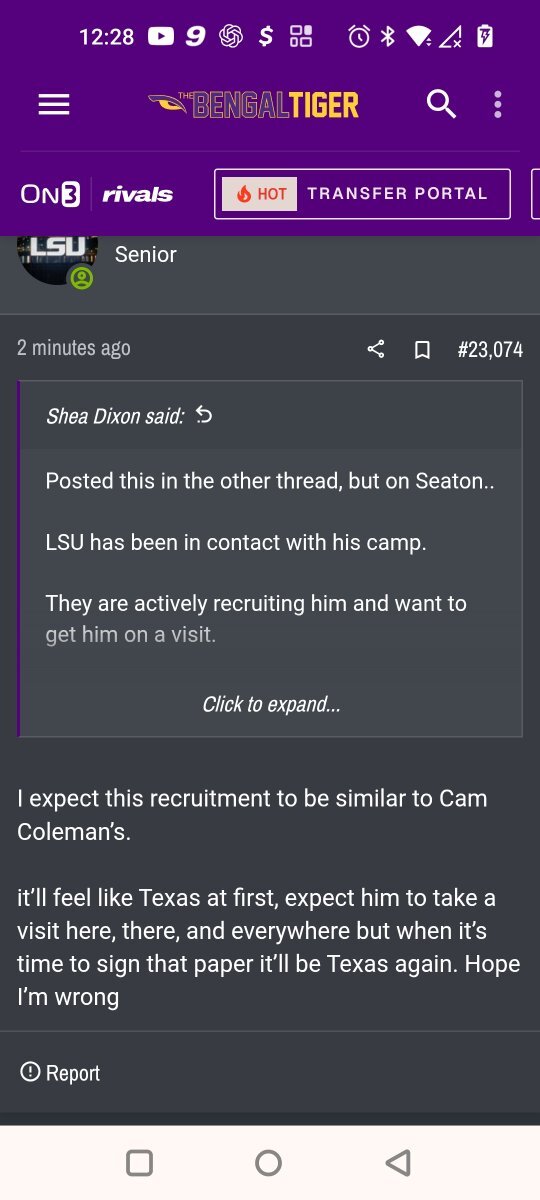
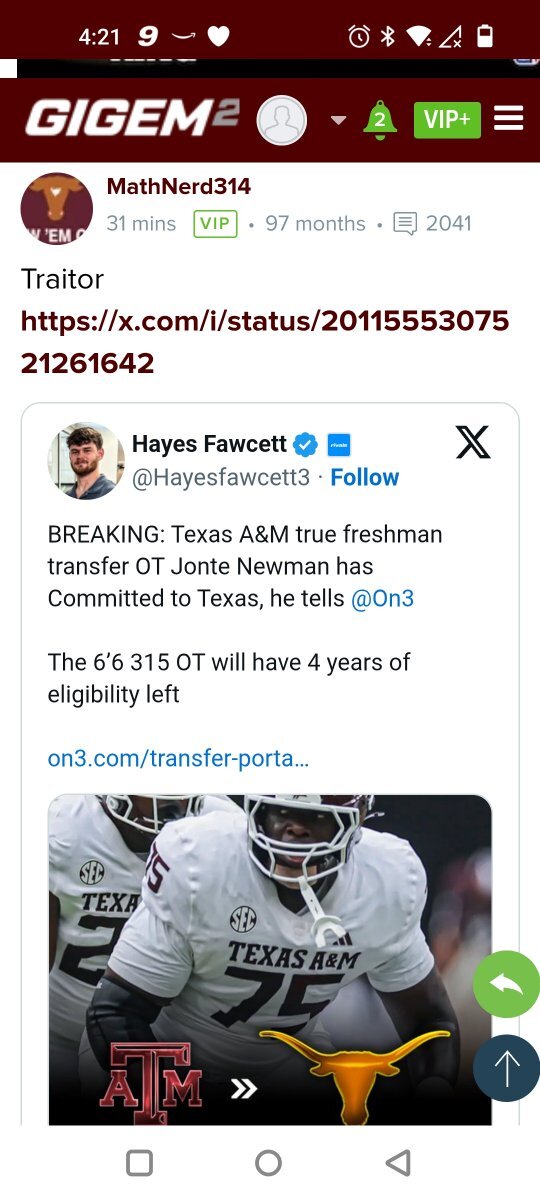
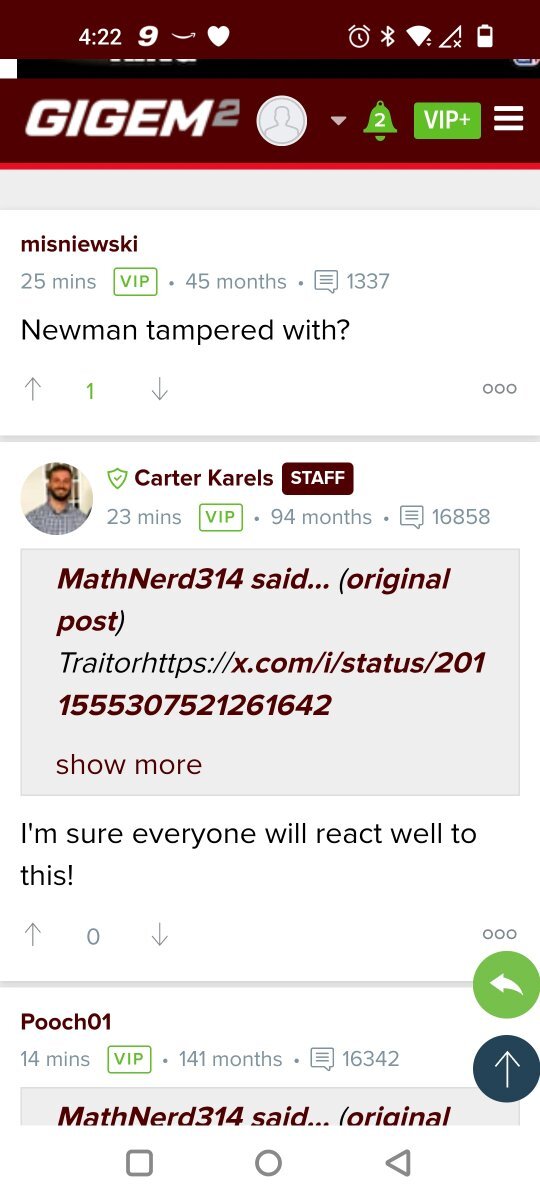
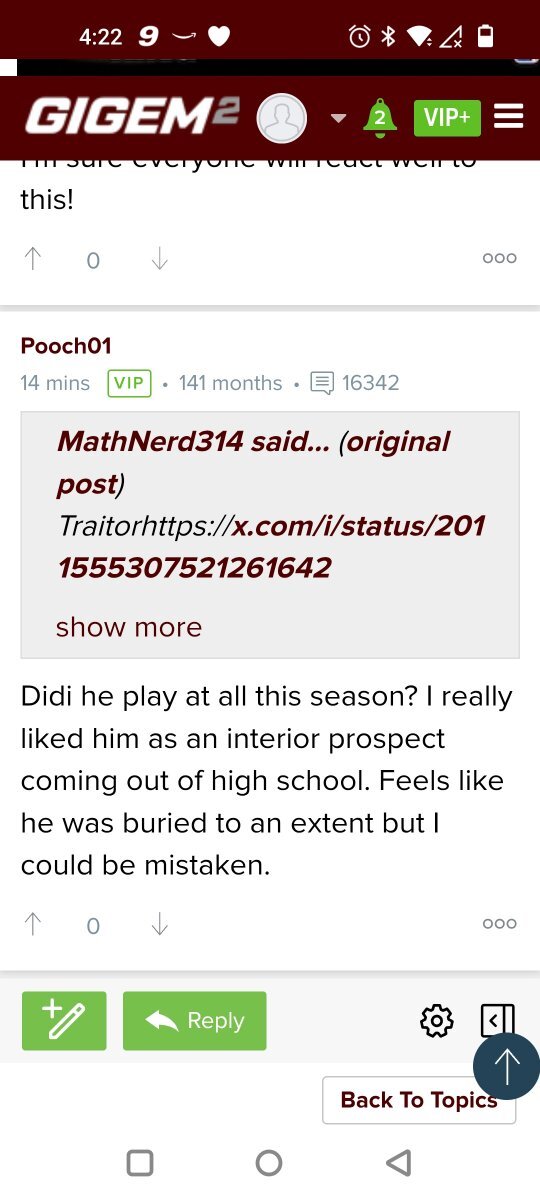
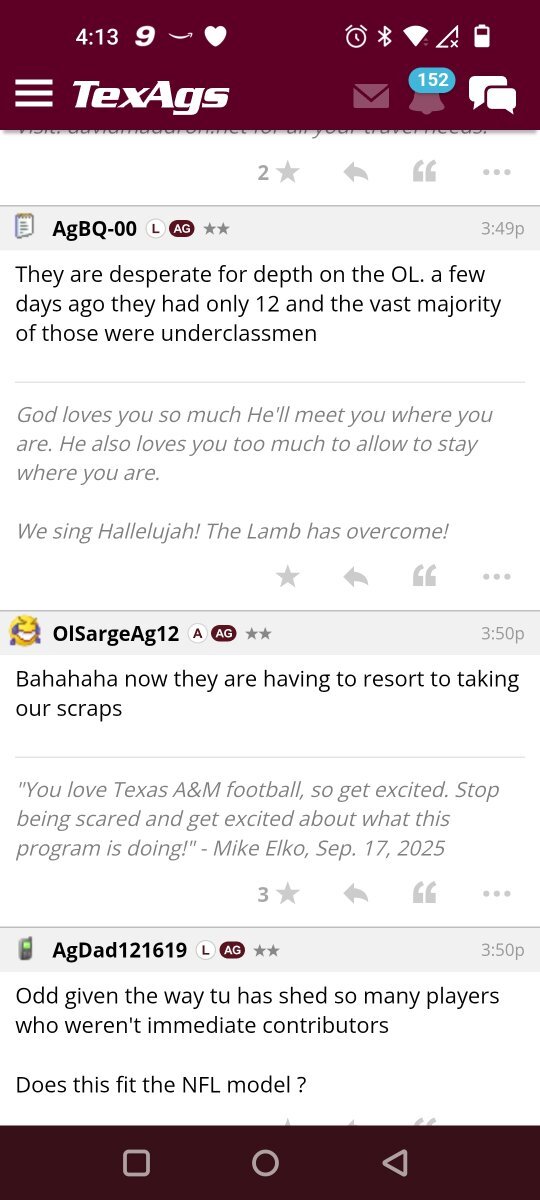
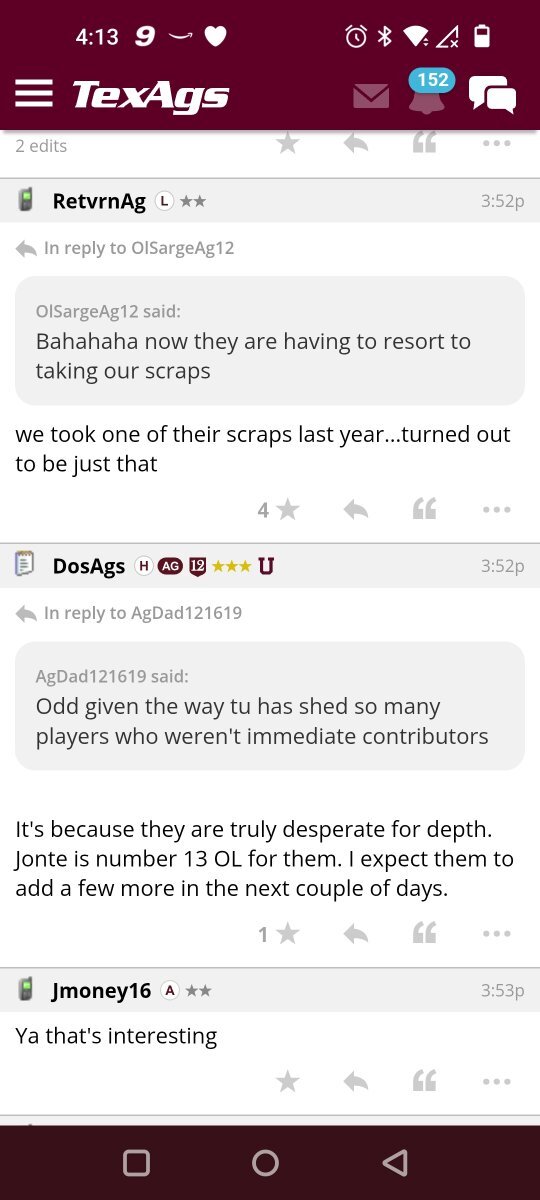
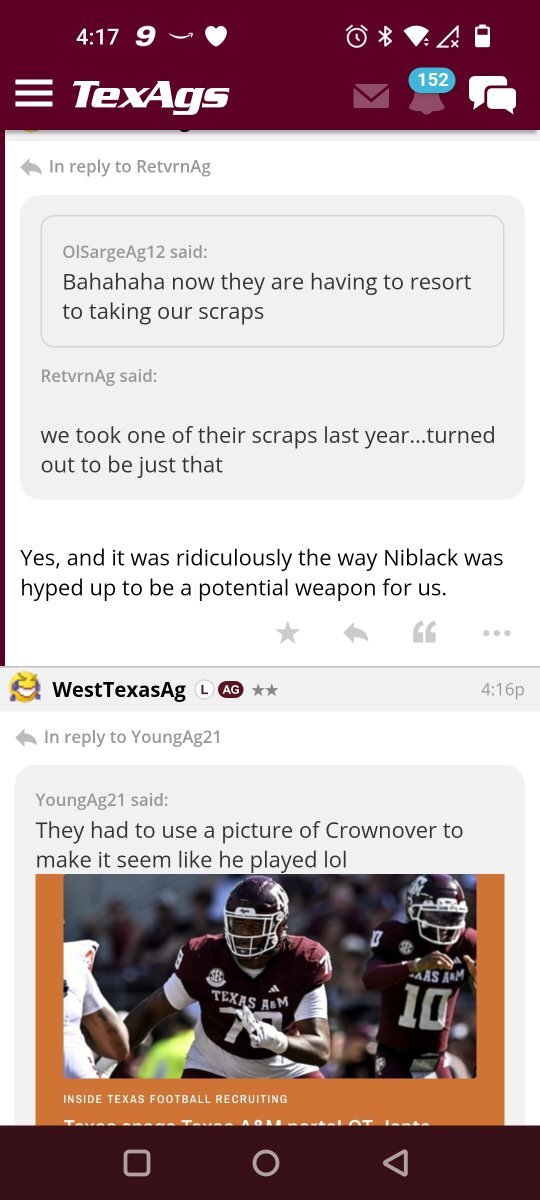
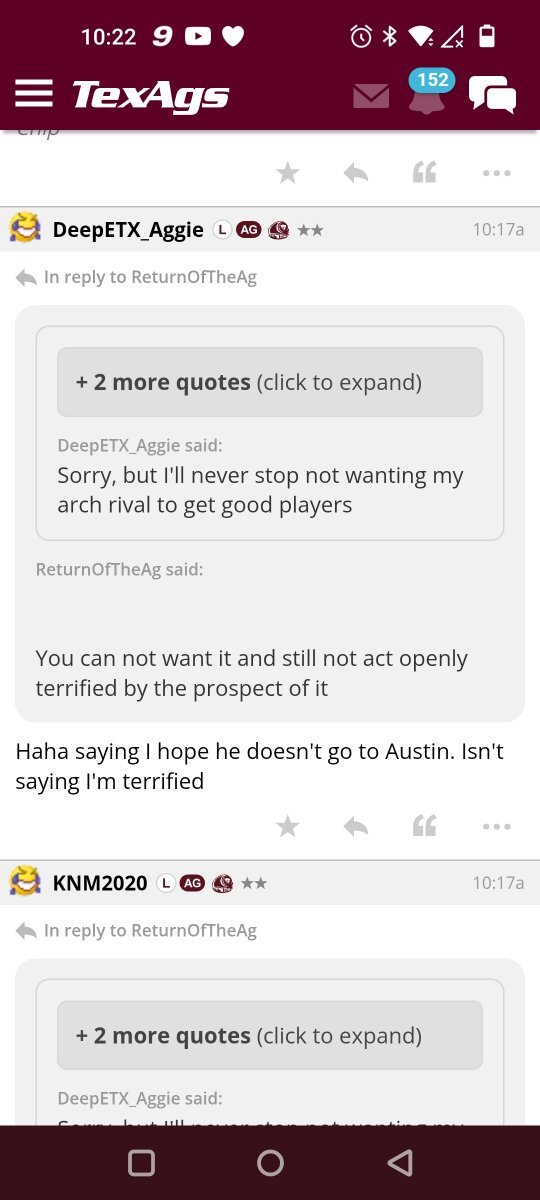
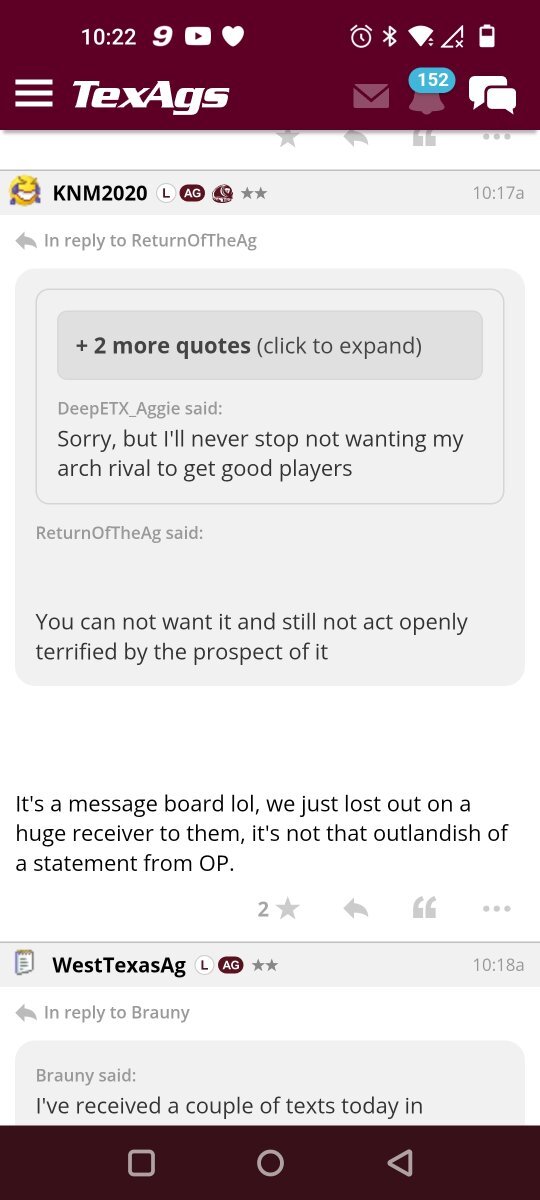
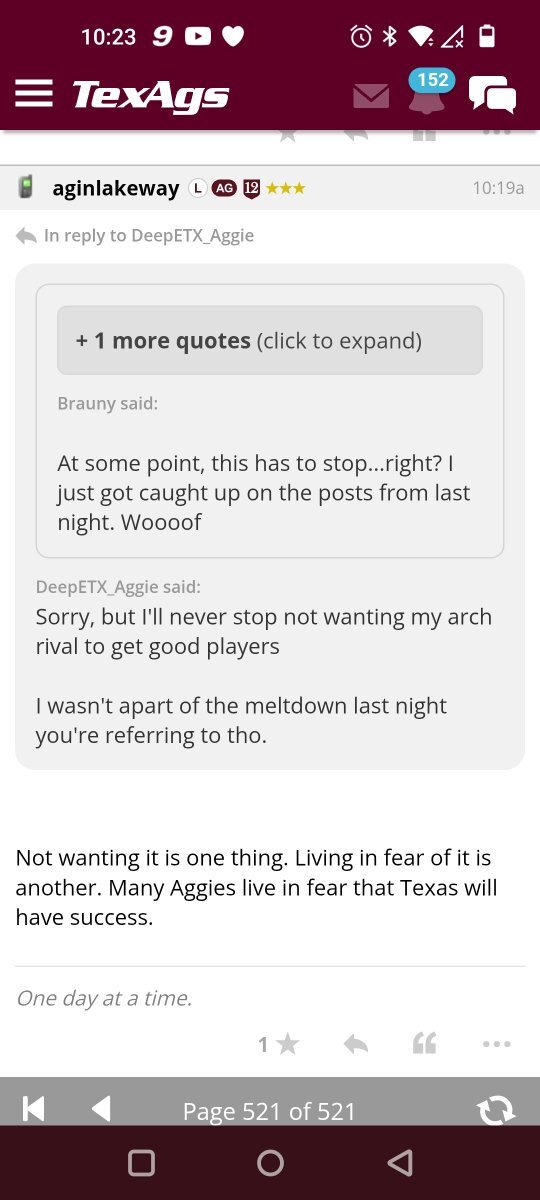
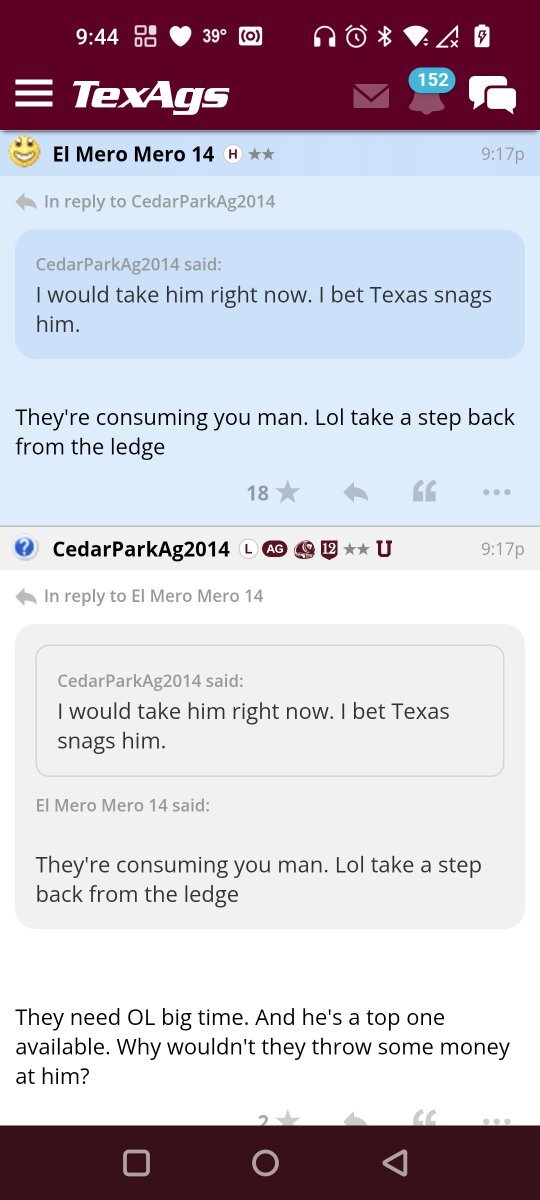
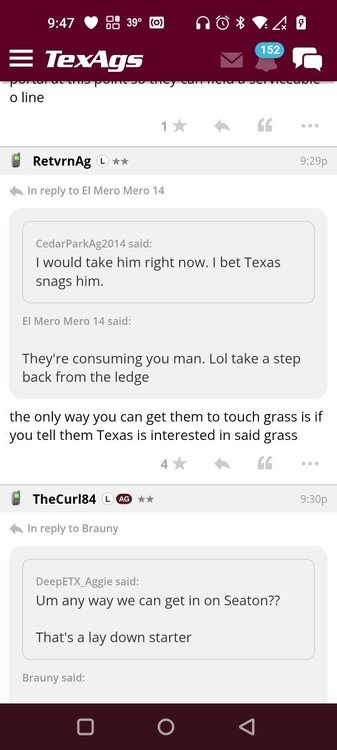
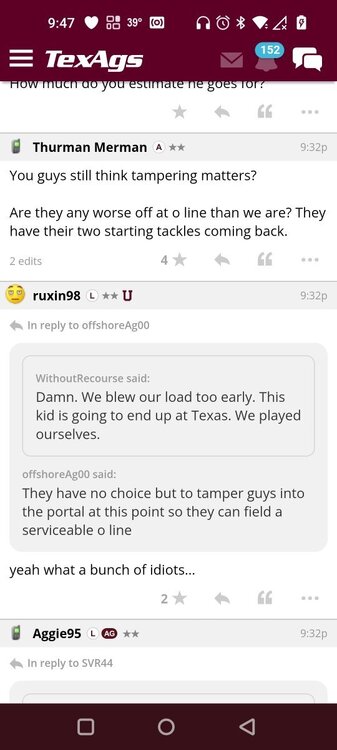
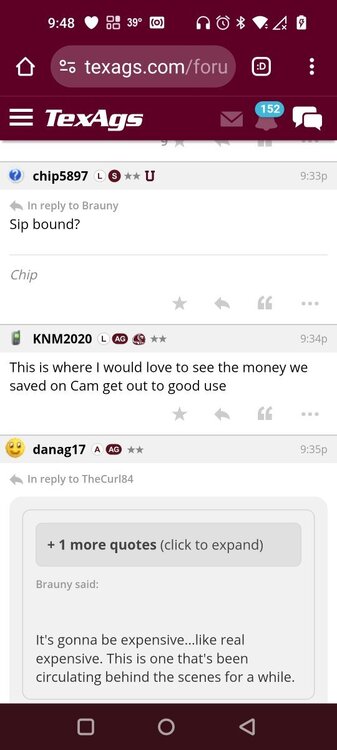
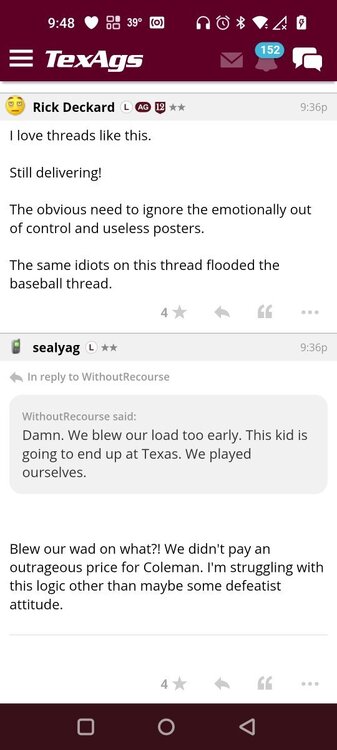
Gold!!From the outhouse to the penthouse for NewmanThey're laughing saying Texas is resorting to taking their scraps. I'll go get some screenshots and post them in the other threadimages.mp4NmWe had aggy troll's Sooner trolls on this this board & now an admitted Indiana fan show up. Settle down chief. Don't let the 2 yrs of success go to your head. You're still the next to last all-time losingest program in college football.
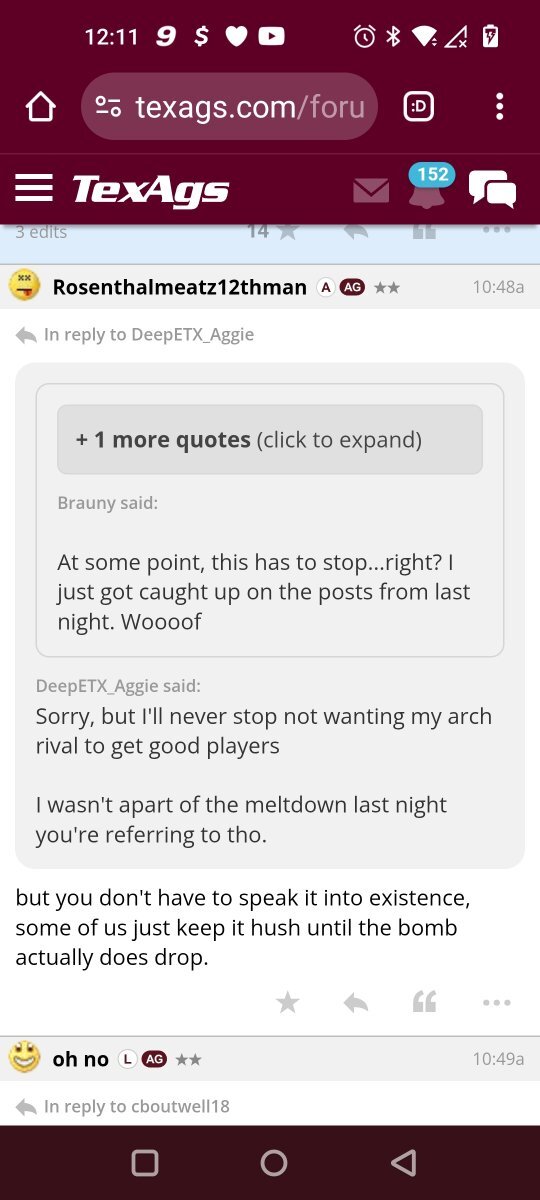
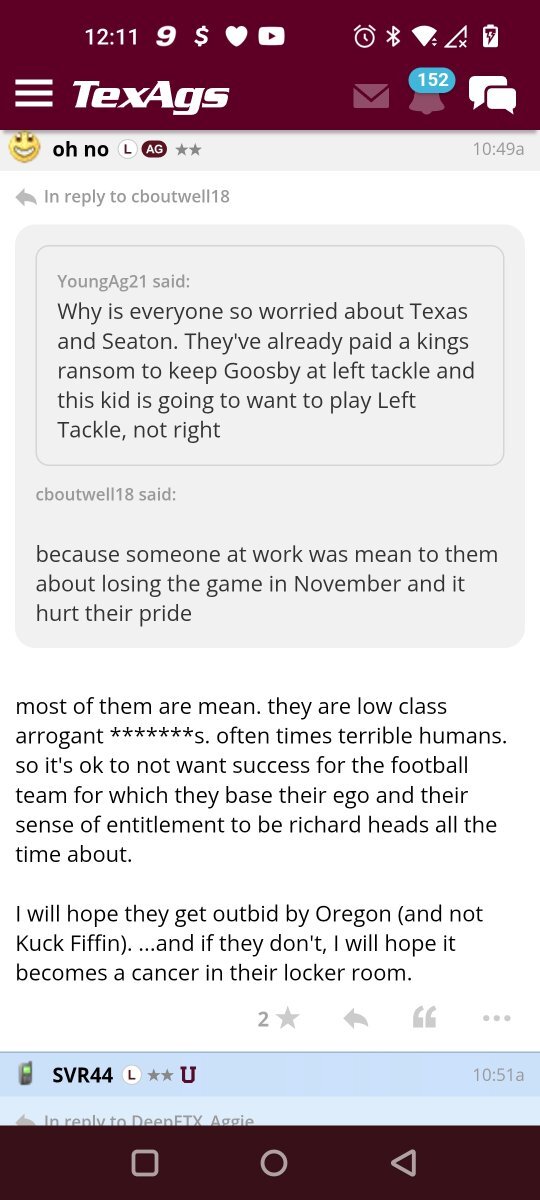
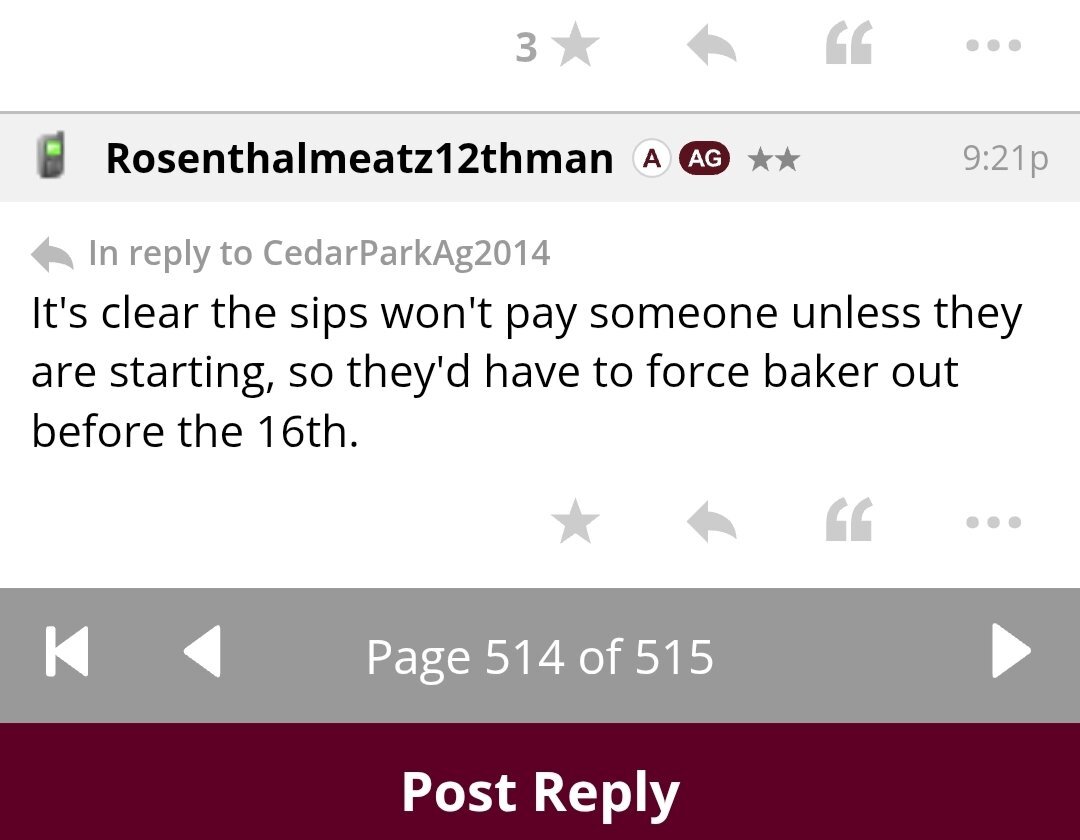
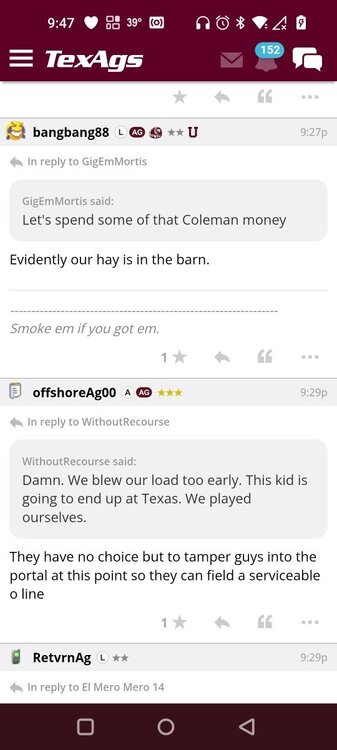
 Gone are the day's of paying high dollar for incoming freshman to set the bench for one or two years. The new era is 1 to 2 year rentals from the portal.It's ok everyone. aggy thinks Texas is making cap space for the big fishEverytime the portal palace is near completion somebody finds another crack in the ceiling
 What in the blue hell is going on? I'm not usually one to call out coaches, but Flood needs to be re-evaluated
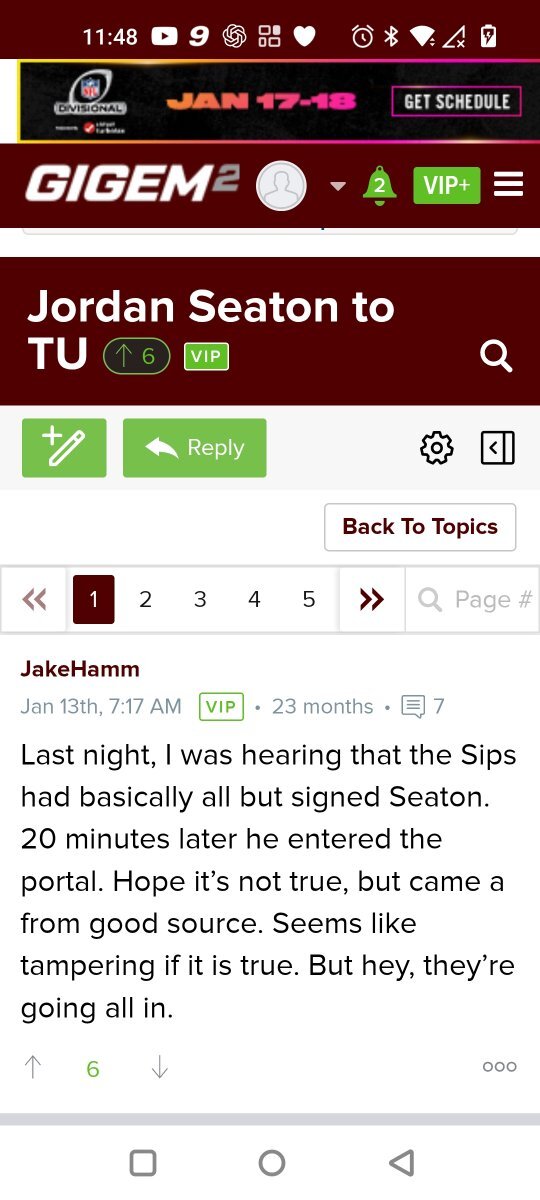
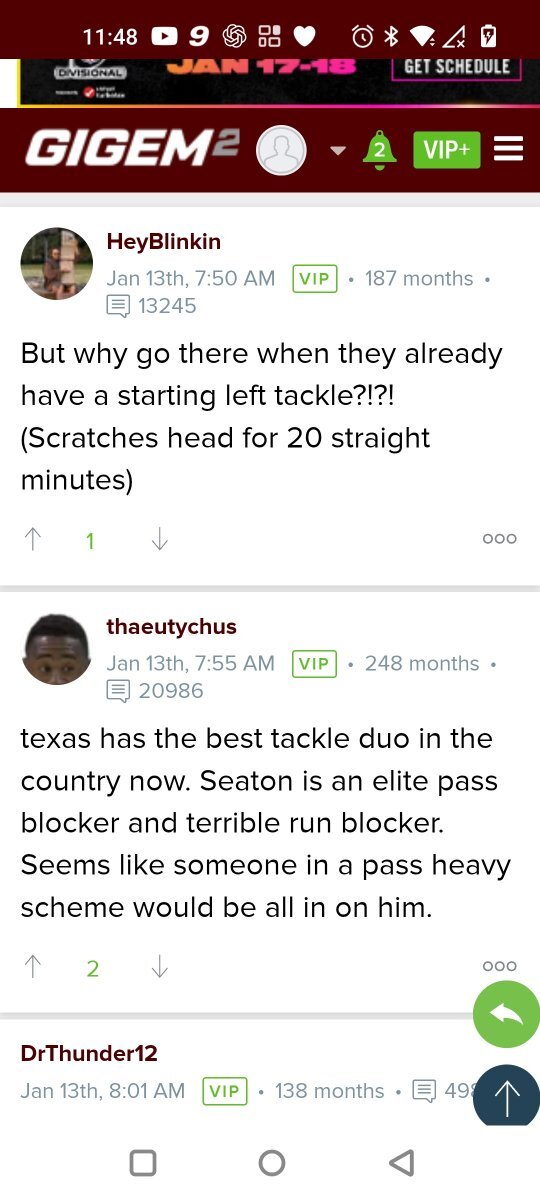
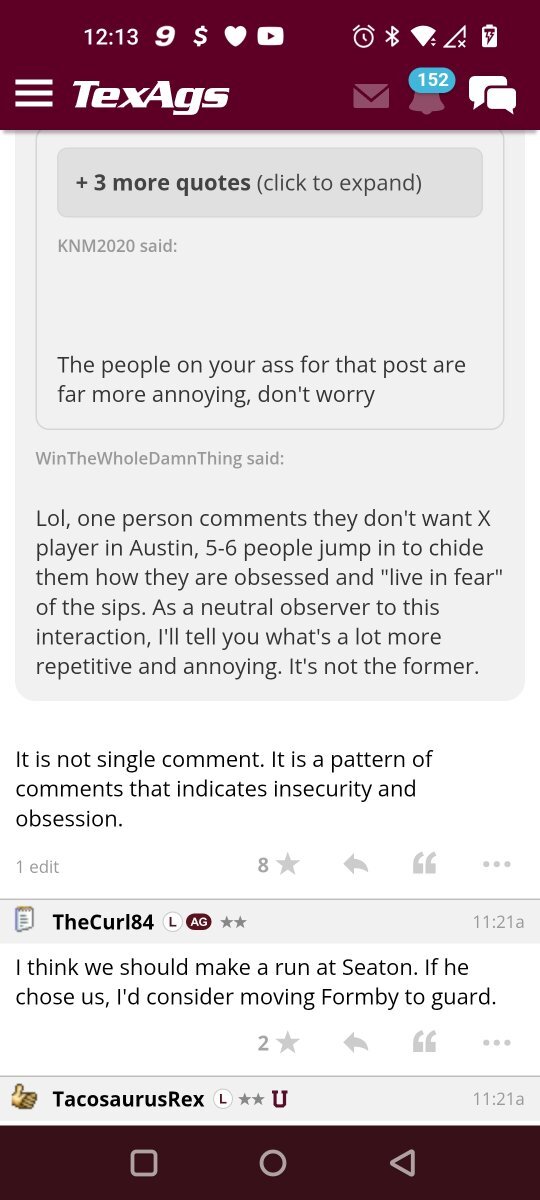
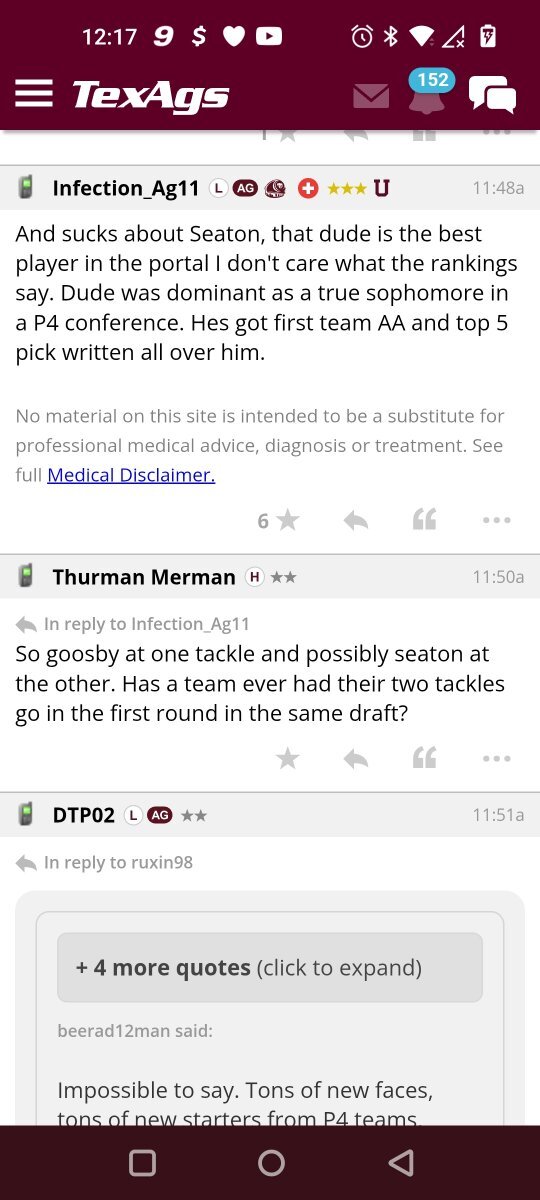
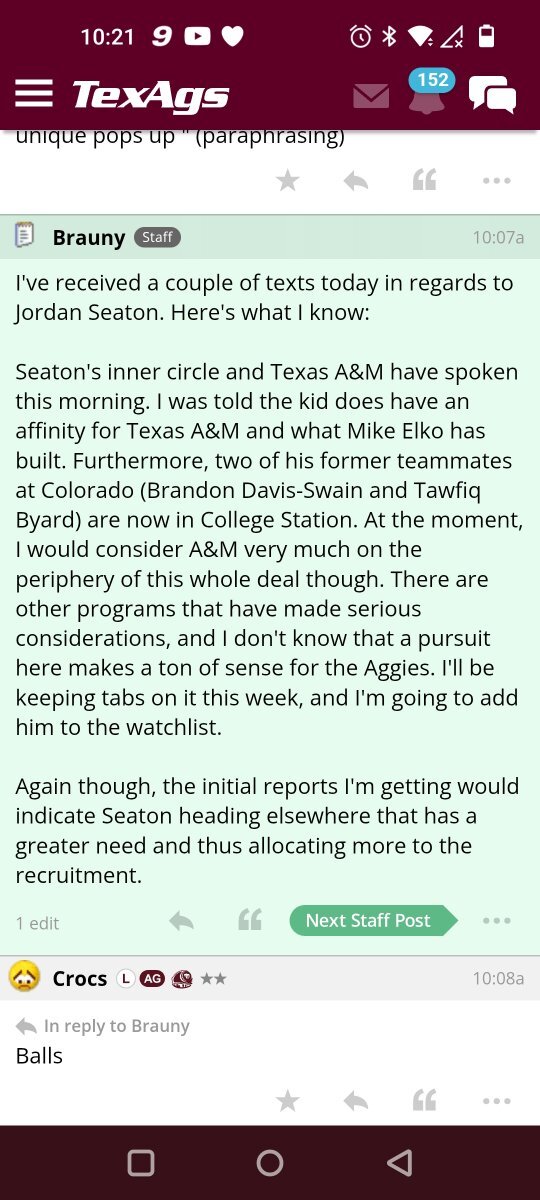
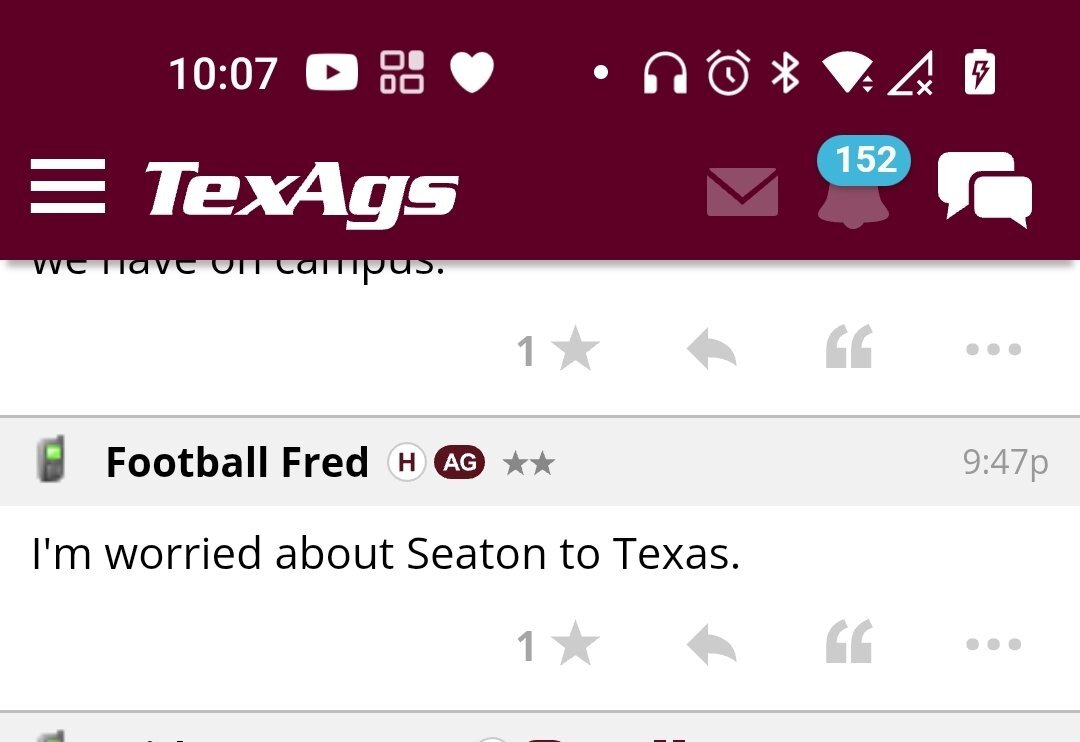
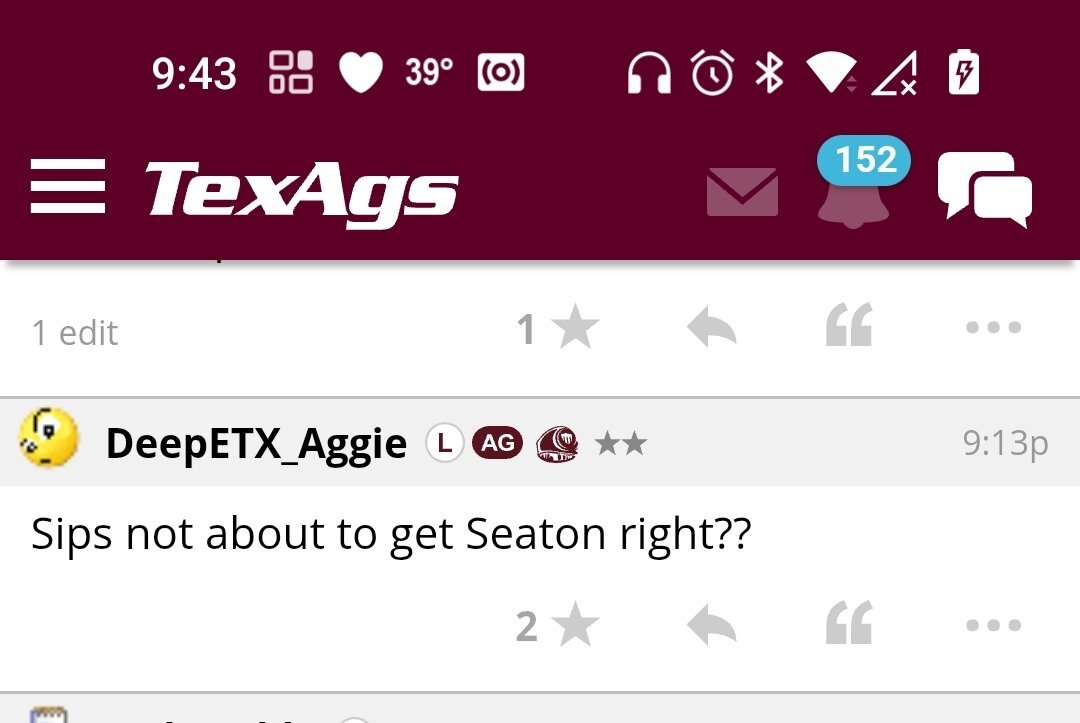
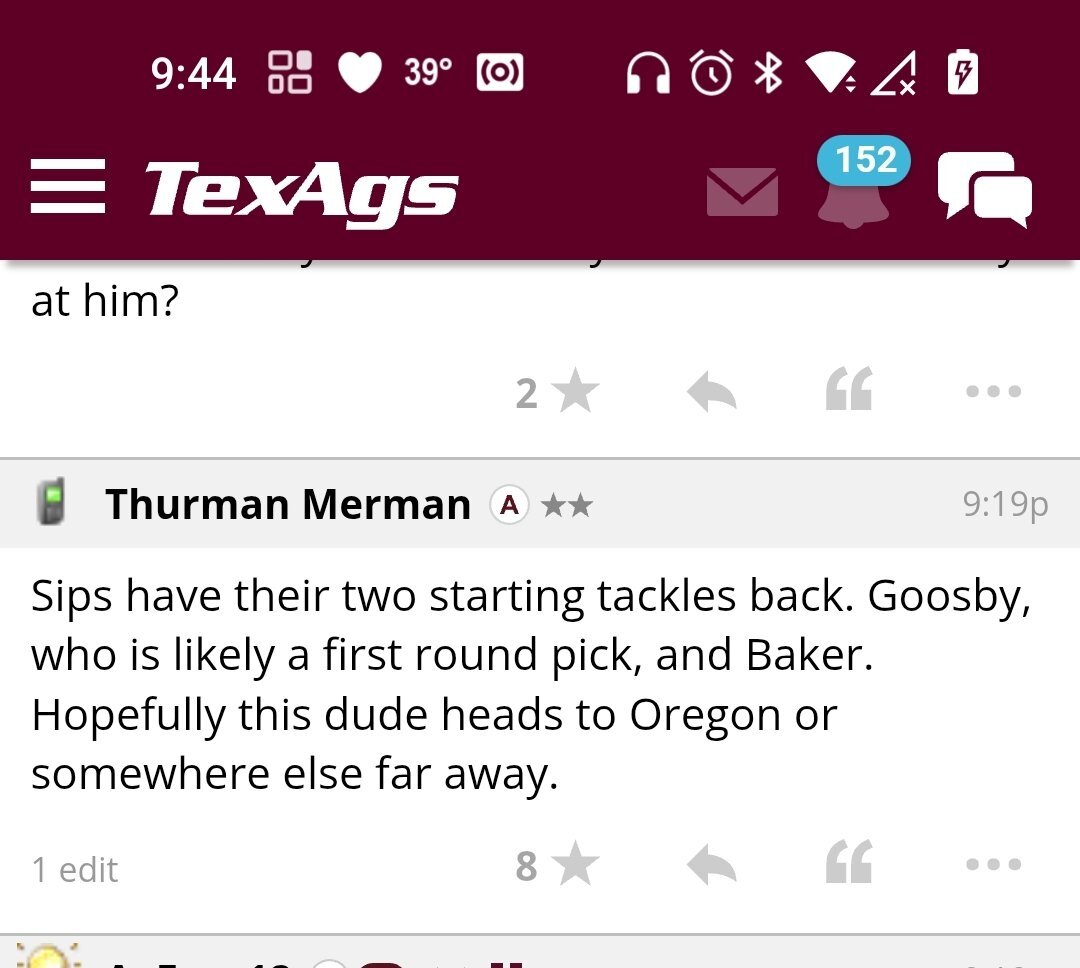
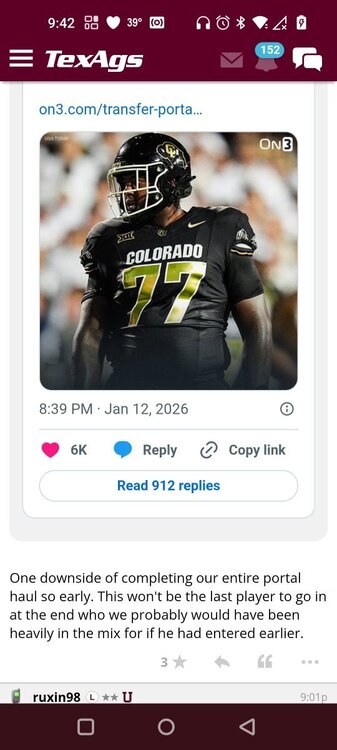
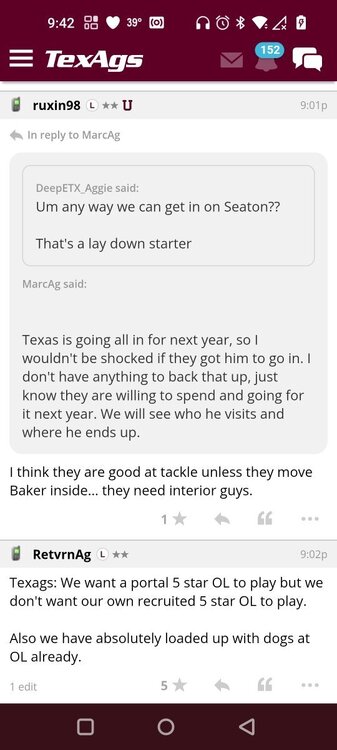
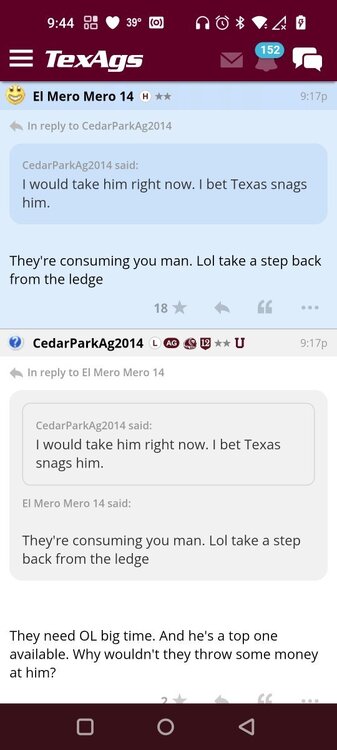
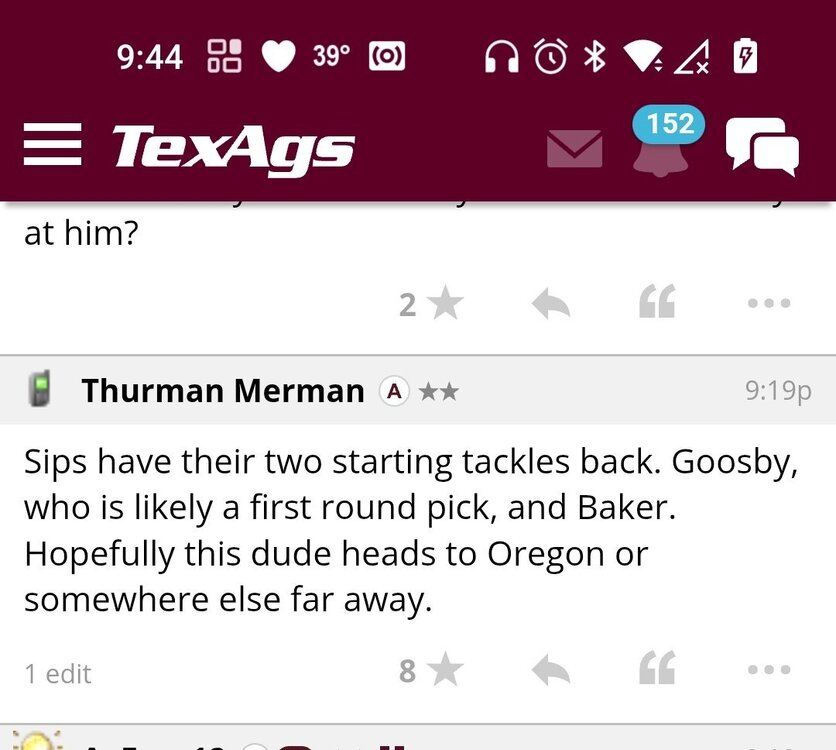
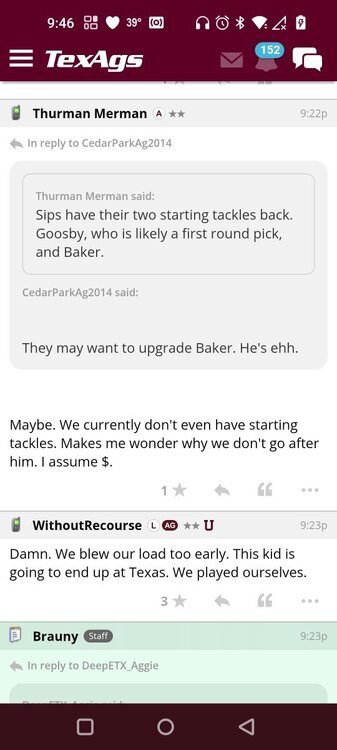
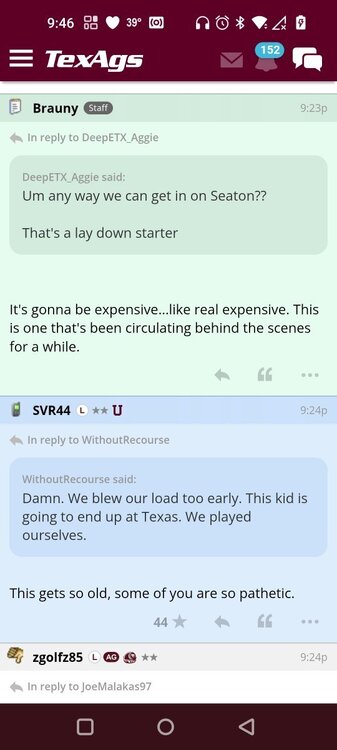
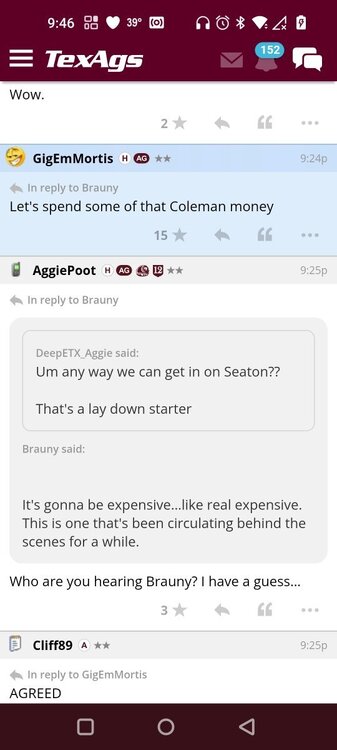
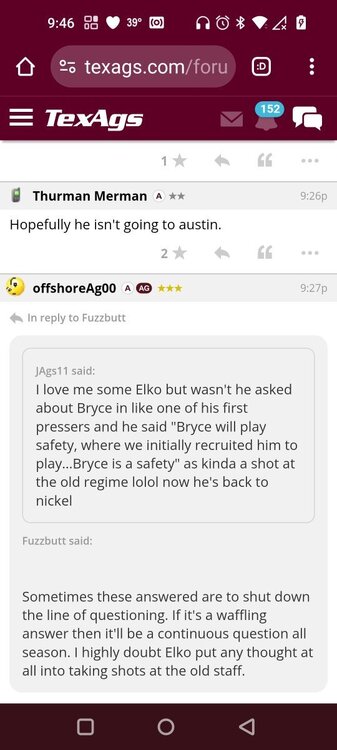
 Lil boozy, Taylor Swift, George Strait & Celine DionTough to watch😁I believe in the power of Gerry and the corn dogs. Seaton to Texas 🤘🏼
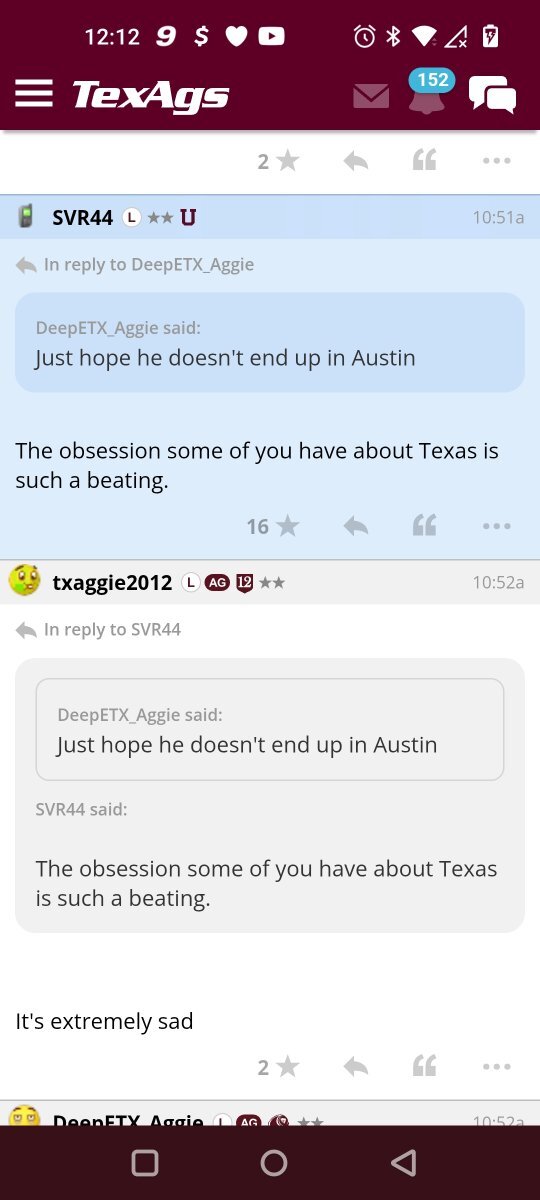
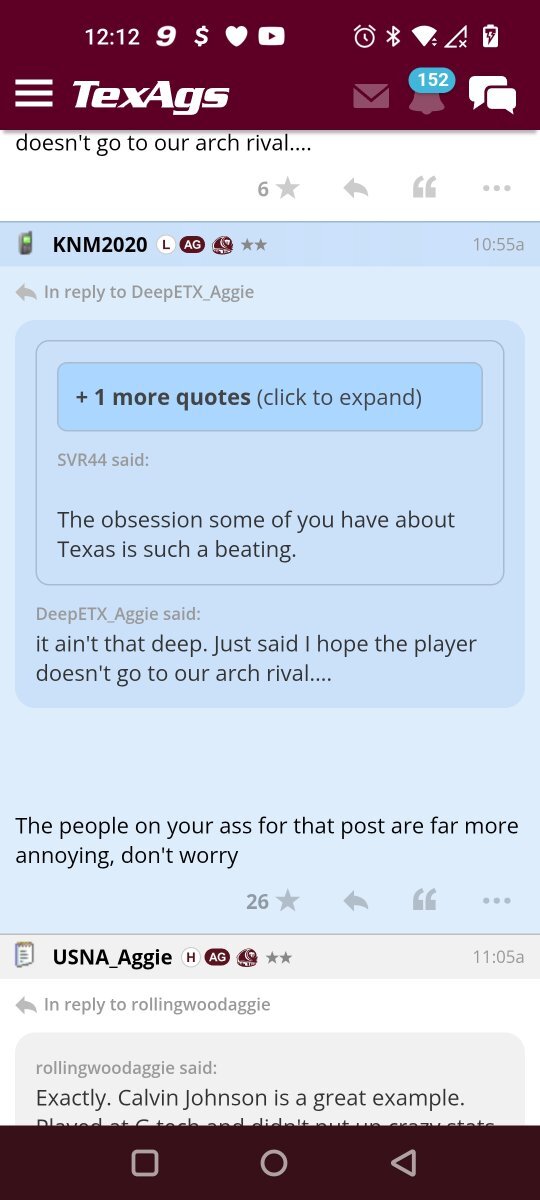
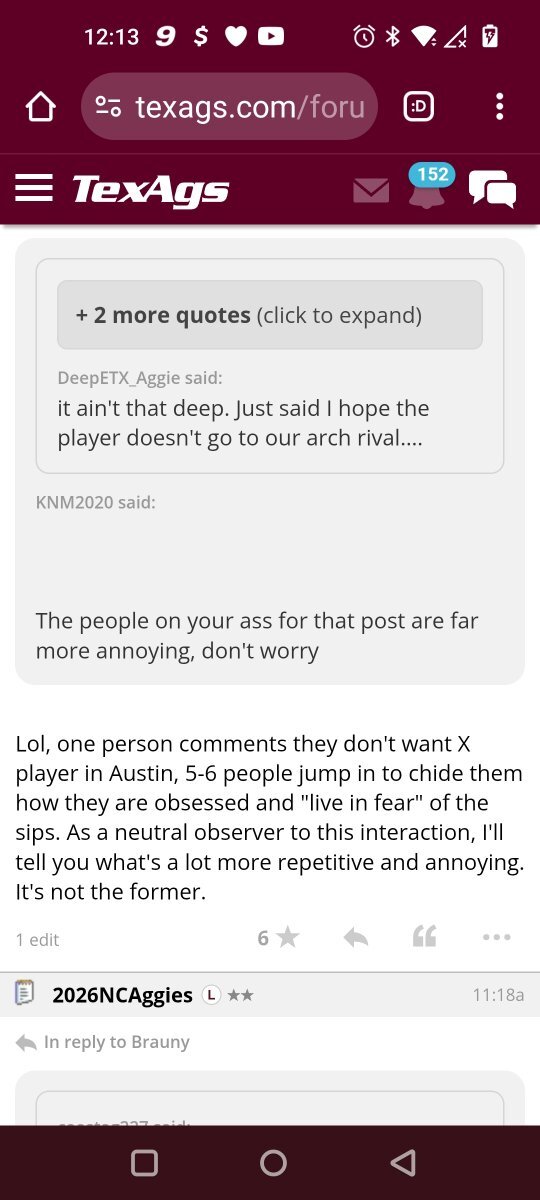
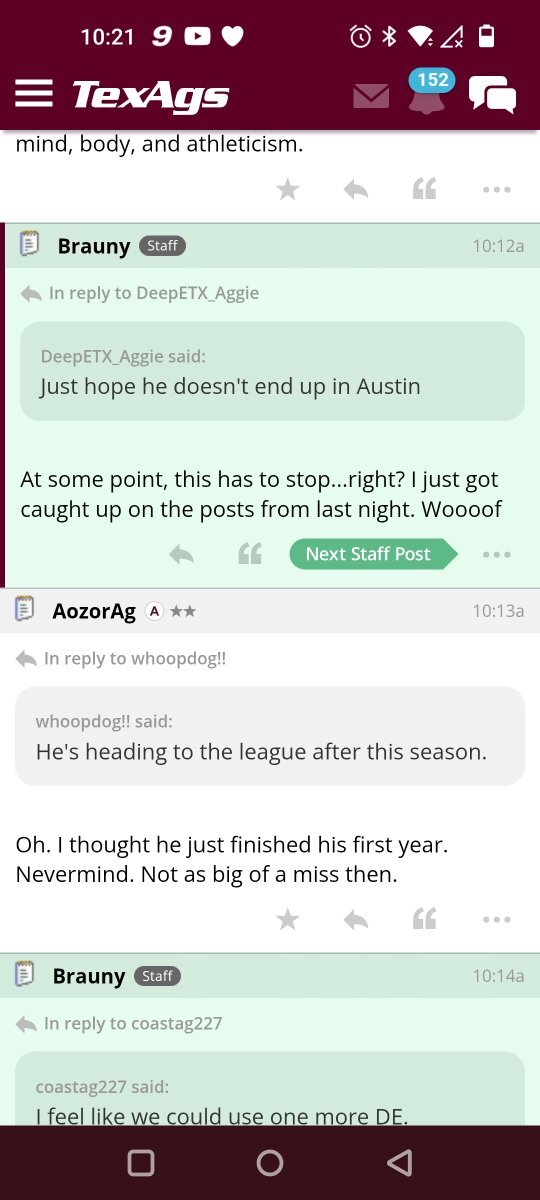
 Texas is the aggy boogyman
Important Information
We have placed cookies on your device to help make this website better. You can adjust your cookie settings, otherwise we'll assume you're okay to continue.
Account
Navigation
Search
Configure browser push notifications
Chrome (Android)
- Tap the lock icon next to the address bar.
- Tap Permissions → Notifications.
- Adjust your preference.
Chrome (Desktop)
- Click the padlock icon in the address bar.
- Select Site settings.
- Find Notifications and adjust your preference.
Safari (iOS 16.4+)
- Ensure the site is installed via Add to Home Screen.
- Open Settings App → Notifications.
- Find your app name and adjust your preference.
Safari (macOS)
- Go to Safari → Preferences.
- Click the Websites tab.
- Select Notifications in the sidebar.
- Find this website and adjust your preference.
Edge (Android)
- Tap the lock icon next to the address bar.
- Tap Permissions.
- Find Notifications and adjust your preference.
Edge (Desktop)
- Click the padlock icon in the address bar.
- Click Permissions for this site.
- Find Notifications and adjust your preference.
Firefox (Android)
- Go to Settings → Site permissions.
- Tap Notifications.
- Find this site in the list and adjust your preference.
Firefox (Desktop)
- Open Firefox Settings.
- Search for Notifications.
- Find this site in the list and adjust your preference.