






All Activity
Past hour
-
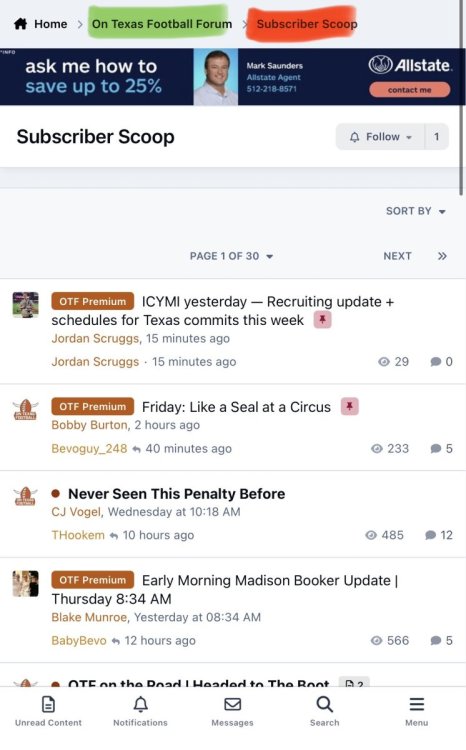
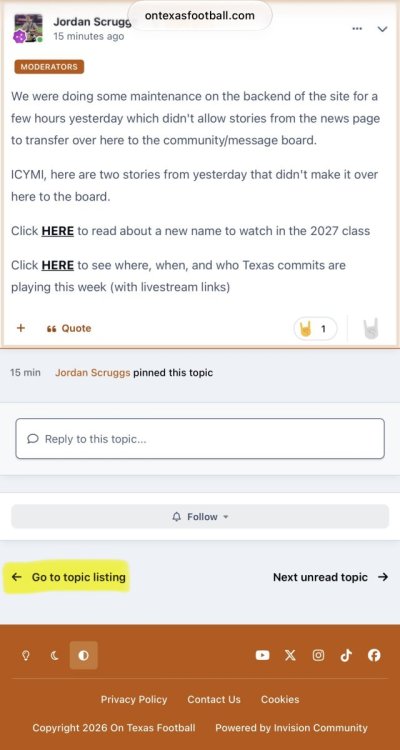
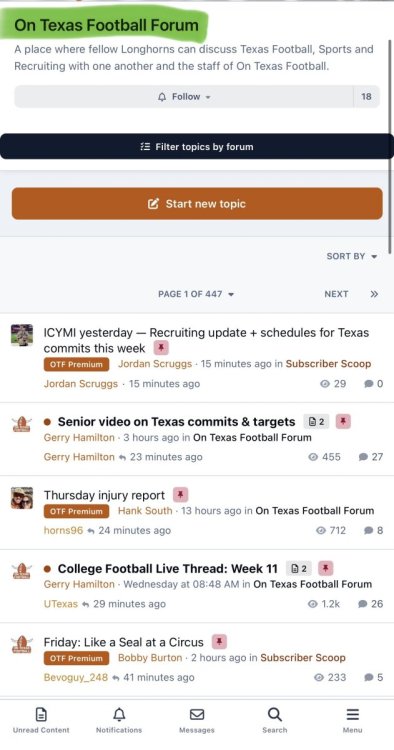
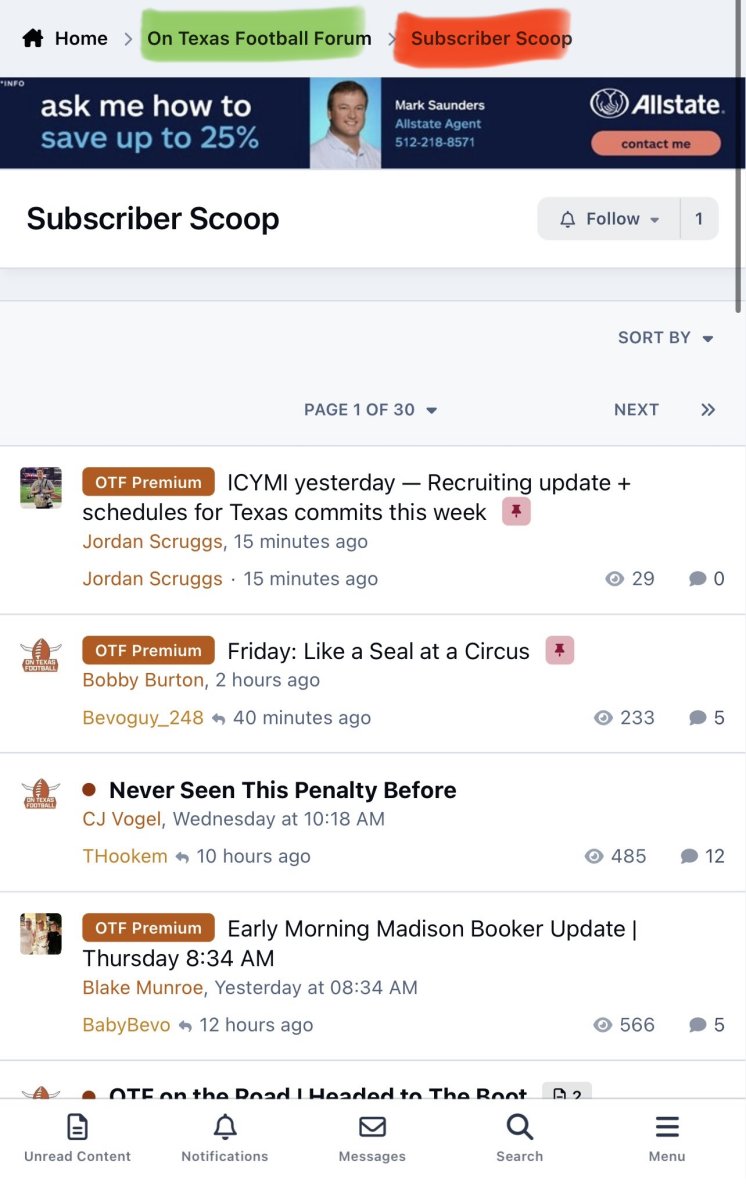
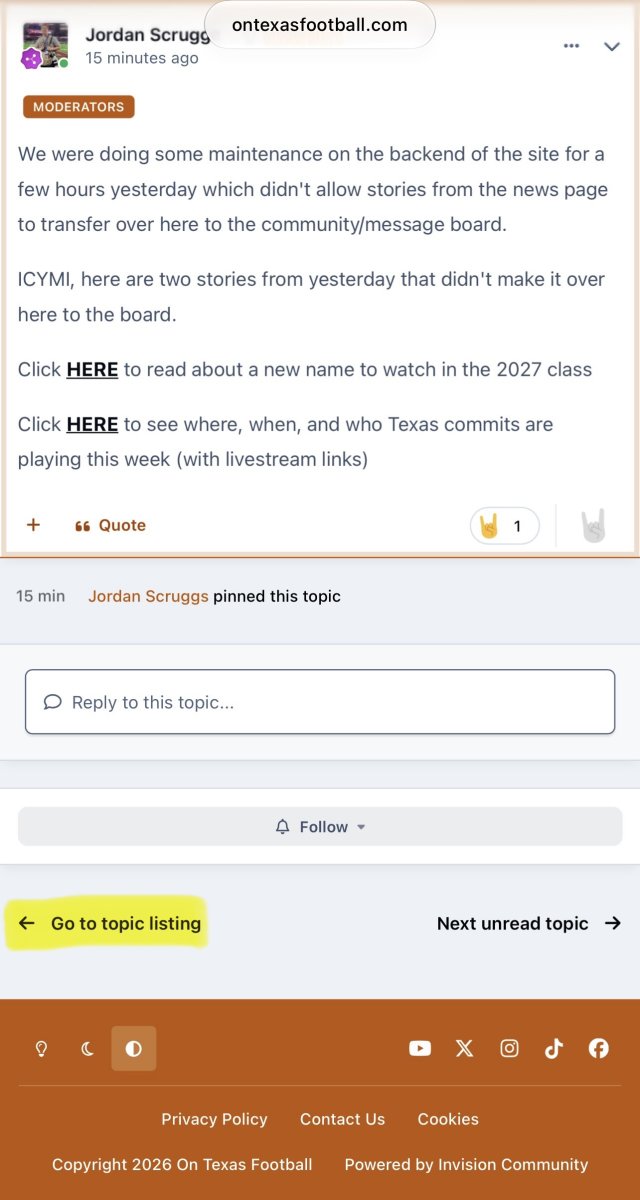
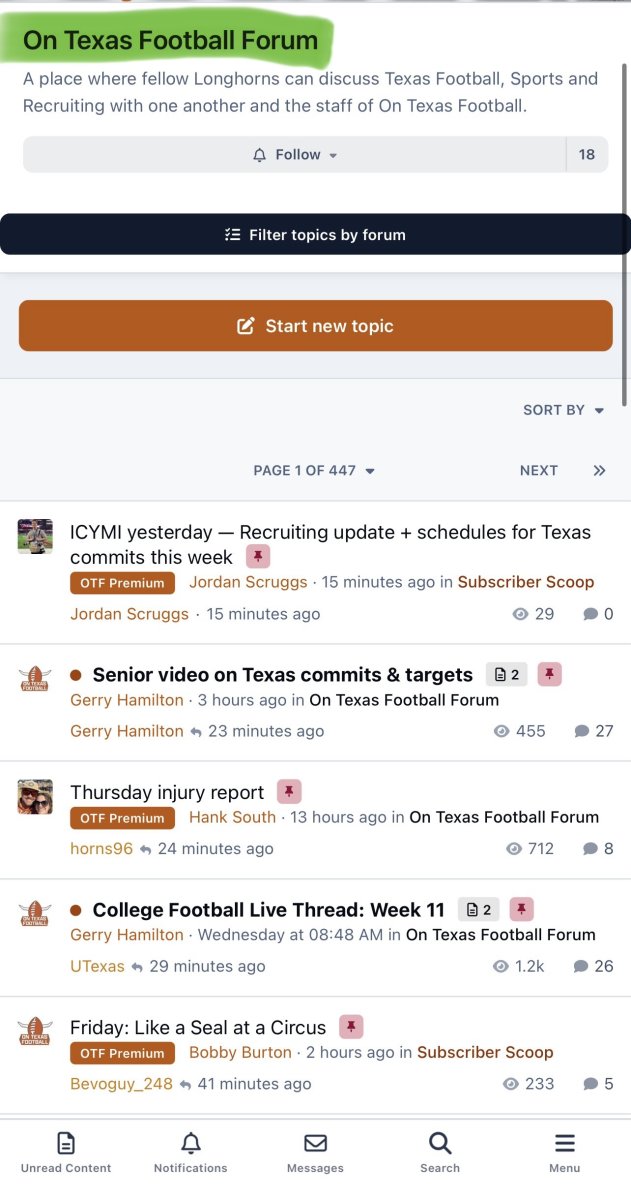
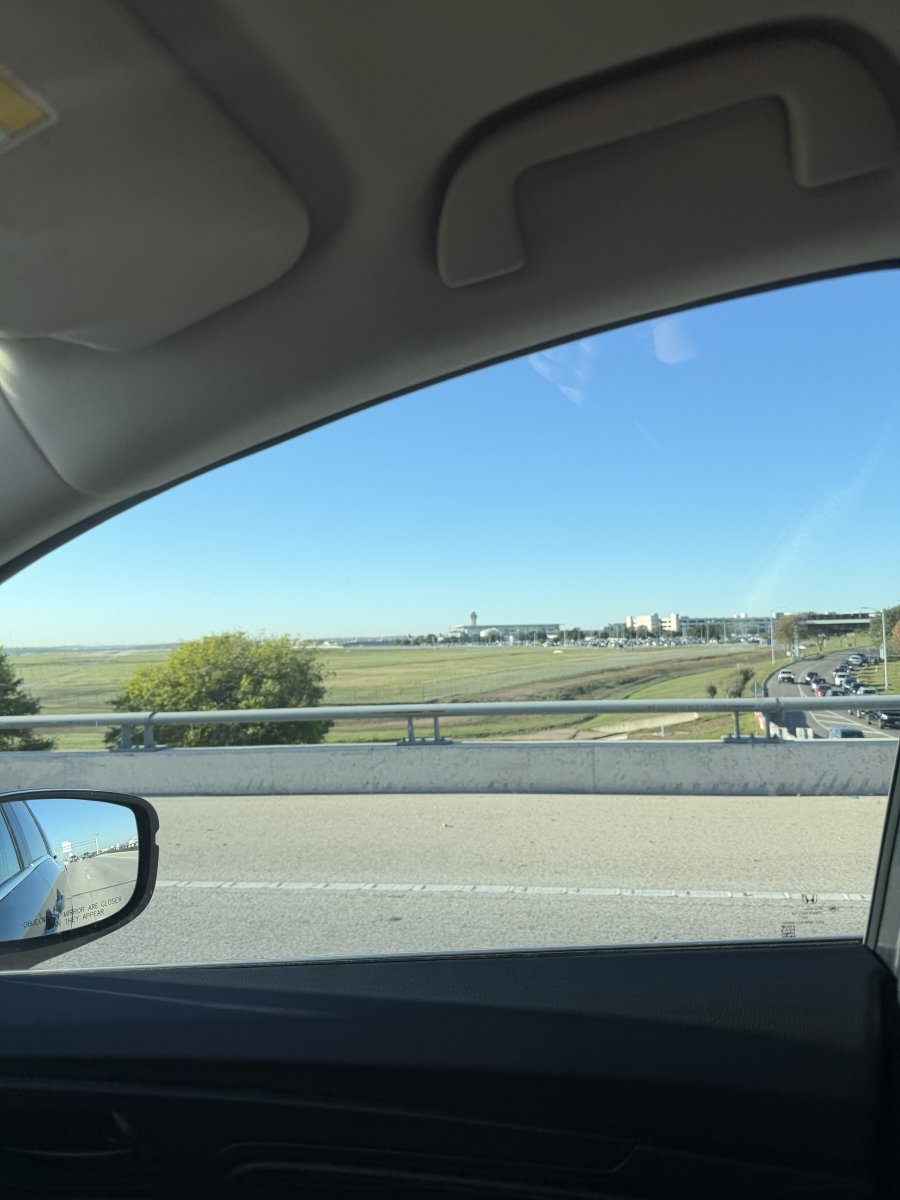
How do I unsubscribe due to being laid offThe top back here is thought to be entering the portal … some Florida ties hereLove that you took a pic of Bergstrom as you drove pastI don’t have the opportunity to participate in the live shows very often, but I listen to the podcasts every day. The hard work yall put in has yielded a connectivity and community that should make you very proud. Thank yall!This is not a big deal, but since we’re giving feedback I thought I would mention it because I haven’t quite figured out the cause/effect of what I’m doing. I like to view things from the On Texas Football Forum (OTFF) page, as opposed to the Subscriber Scoop (SS) page. Sometimes when I’m looking through a thread and get to the bottom where I want to go back to the OTFF page, I click on “Go to topic listing”. Before the changes, I think this always took me back to the OTFF landing page. Now it takes me back to the OTFF landing sometimes, but other times it takes me to the SS landing page and I can’t figure out why it would be one or the other. I don’t think this is a bug and I’m definitely not asking for a fix to accommodate my preference, but I am curious if there’s something I’m doing that takes me to OTFF vs SS when I click Go to topic listing. If you need specific thread examples, just a few minutes ago I clicked Go to topic listing from within Jordan’s thread titled “ICYMI Yesterday…” and it took me to the SS landing page. Then I clicked Go to topic listing from within Gerry’s thread titled “Senior video on Texas commits…” and it took me to the OTFF landing page. Hope this explanation is clear!
 Don’t worry brother we got ya. I’ve sent it out to all my employees that are Longhorns! Which they are spreading to their friends. Best information on the net for Texas sports hands down!!!S/on to OTF sponsor Berdoll Pecans!


 Cedar Creek HS, home of Alfred Collins.
 2026 Spurs losing to the Nicks be like 2017 Warriors losing to the Nets. Couldn't happen because no one could choke like Wemby and Johnson in the history of the NBA.The Memphis, USF game last night was a fantastic Thursday night game. I think there was 86 combined points.
Today
Where’s she from?45 tackles, 12 TFL, 5 sacks in regular seasonKasi Currie Hudlregular season highlightsregular season highlightsMan, I've been confusing those two guys for as long as they've been on campus.JT Sanders brother 23 tackles, 1 INT this seasonI don’t know you.Denton Ryan 2027 CB .. Arkansas commit HudlSENIOR SZNSENIOR SZNAwwww yeah! Bring home that W! Check out Mandina’s for lunch if you don’t have plans it’s on the way into the quarter from the airport on Canal st.Nice day to fly to New Orleans.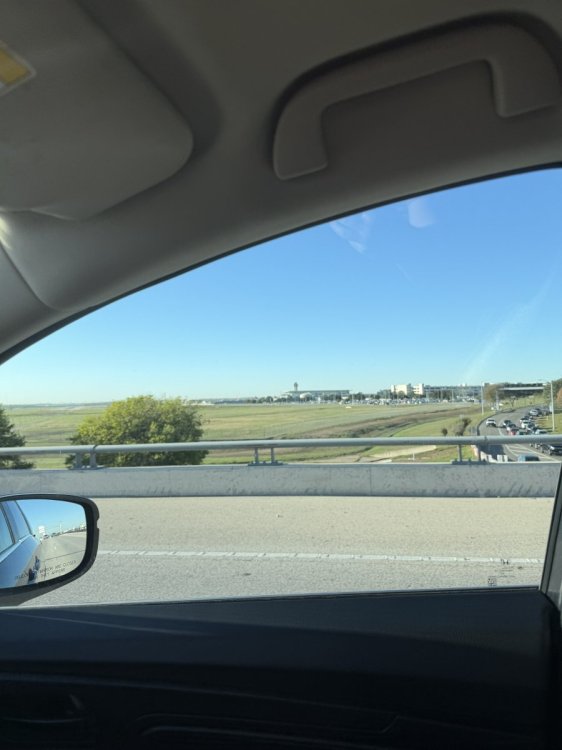 Under CDC, every sport that he's hired a coach in is ranked and expects to compete late into the post season (championships), which is what the standard is at a school like Texas. There's only a few sports left that aren't consistently highly ranked (T&F) but CDC did not hire those coaches . . . yet. Outside of a few forced moves due to circumstances, his method has been to let the contract run out, not renew, and be ready with a new hire that's basically been in the works and ready to be announced the next day. He could teach a course on how to handle succession planning.





















Important Information
We have placed cookies on your device to help make this website better. You can adjust your cookie settings, otherwise we'll assume you're okay to continue.
Account
Navigation
Search
Configure browser push notifications
Chrome (Android)
- Tap the lock icon next to the address bar.
- Tap Permissions → Notifications.
- Adjust your preference.
Chrome (Desktop)
- Click the padlock icon in the address bar.
- Select Site settings.
- Find Notifications and adjust your preference.
Safari (iOS 16.4+)
- Ensure the site is installed via Add to Home Screen.
- Open Settings App → Notifications.
- Find your app name and adjust your preference.
Safari (macOS)
- Go to Safari → Preferences.
- Click the Websites tab.
- Select Notifications in the sidebar.
- Find this website and adjust your preference.
Edge (Android)
- Tap the lock icon next to the address bar.
- Tap Permissions.
- Find Notifications and adjust your preference.
Edge (Desktop)
- Click the padlock icon in the address bar.
- Click Permissions for this site.
- Find Notifications and adjust your preference.
Firefox (Android)
- Go to Settings → Site permissions.
- Tap Notifications.
- Find this site in the list and adjust your preference.
Firefox (Desktop)
- Open Firefox Settings.
- Search for Notifications.
- Find this site in the list and adjust your preference.