





BurntOrangeMD
Supporters
-
Joined
-
Last visited
Everything posted by BurntOrangeMD
-
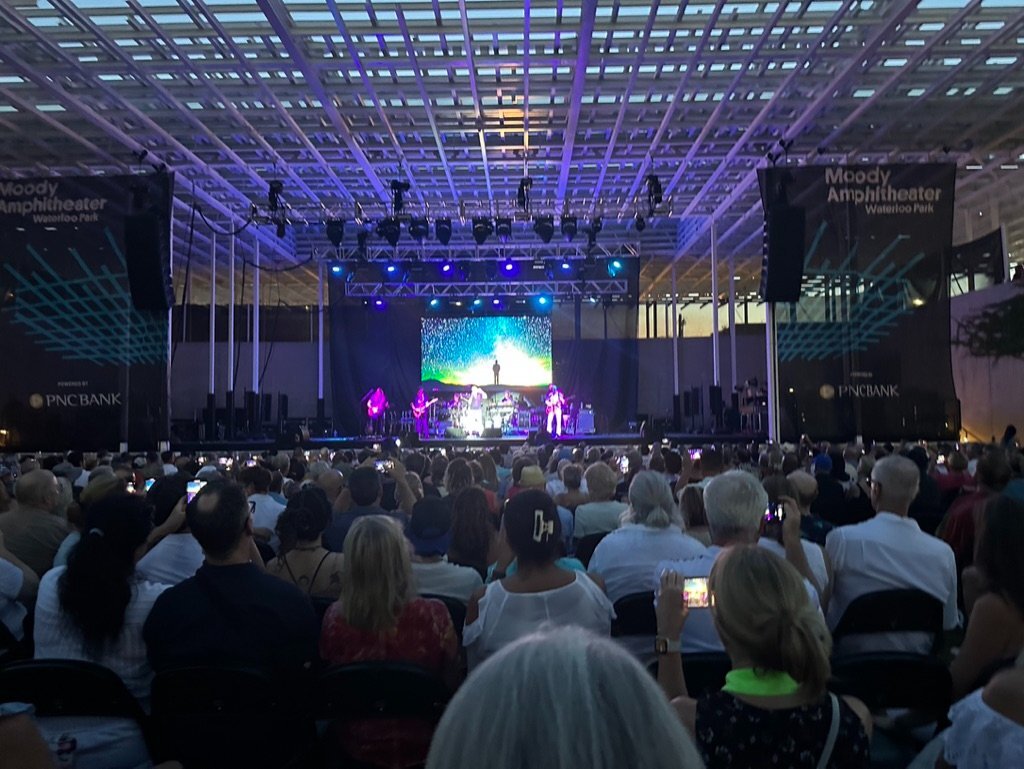
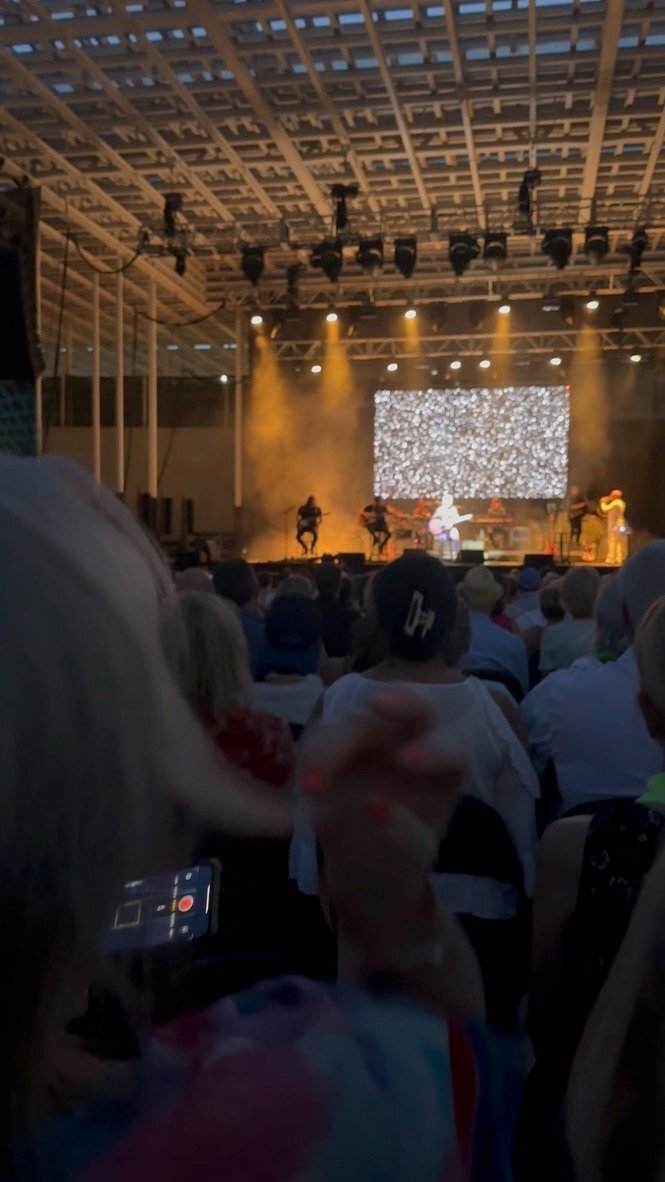
Kenny Loggins, Moody Amphitheater, Waterloo Park, August 2023.
 But now it is found! Bobby has got to love this one.Interestingly,,,Best ever. ...and I get the feeling that it is one of Craig Way's favorites as well.SleeperI'm with Bobby! 12 and 0. 🤘🤠 🇨🇱
 Derrick Johnson, Jordan Shipley, Case McCoy, Sam Ehlinger, and I will go along for the ride. 🤘🤠 🇨🇱Dear Longhorn Nation, There are moments in our University’s history when Longhorns have changed the course of our future. Today is one of those moments. We are taking a bold step forward. Earlier this afternoon, sitting alongside Susan and Michael Dell, Governor Greg Abbott, Board of Regents Chairman Kevin Eltife, Senior Vice President and Dean Claudia Lucchinetti, and UT MD Anderson President Peter Pisters, we announced a historic philanthropic commitment that will transform The University of Texas — and our city and state — and accelerate our leadership in health and life sciences innovation. Today, we announced that Susan and Michael Dell have committed $1 billion to The University of Texas at Austin. In honor of Susan and Michael’s lifetime of giving, we are establishing the UT Dell Campus for Advanced Research and the UT Dell Medical Center, which will be the campus’s anchor tenant. Located on University-owned land in North Austin just a short drive from the Forty Acres, the new UT Dell Campus for Advanced Research will combine the full force of the best research university in the world with the renowned excellence of UT MD Anderson cancer care. When it opens in 2030, the UT Dell Medical Center will be the first of its kind — built for the AI era — enabling earlier diagnoses, delivering more precise treatments, and providing truly integrated, personalized care. In addition to their historic investment in health and life sciences innovation, Susan and Michael Dells’ gift strengthens the Texas Advanced Computing Center, supports student housing, and expands scholarships and opportunities for students to live and learn on the Forty Acres. Susan and Michael Dell are Longhorns who have a vision to change the world, a will to act on that vision, and a deep commitment to make it real. From a UT dorm‑room startup to a lifetime of service and impact, they have helped shape our University’s future and elevated our role in serving Texas and the world. We are deeply grateful for their enduring partnership. At The University of Texas, and throughout our state, we always think big. What we are building, right here in Austin, has never been built before. And with the extraordinary support of Susan and Michael Dell — and the alignment of our state, city, and UT System leaders — there has never been a better time for this great University to change the world. Hook 'em! Jim Davis

Important Information
We have placed cookies on your device to help make this website better. You can adjust your cookie settings, otherwise we'll assume you're okay to continue.
Account
Navigation
Search
Configure browser push notifications
Chrome (Android)
- Tap the lock icon next to the address bar.
- Tap Permissions → Notifications.
- Adjust your preference.
Chrome (Desktop)
- Click the padlock icon in the address bar.
- Select Site settings.
- Find Notifications and adjust your preference.
Safari (iOS 16.4+)
- Ensure the site is installed via Add to Home Screen.
- Open Settings App → Notifications.
- Find your app name and adjust your preference.
Safari (macOS)
- Go to Safari → Preferences.
- Click the Websites tab.
- Select Notifications in the sidebar.
- Find this website and adjust your preference.
Edge (Android)
- Tap the lock icon next to the address bar.
- Tap Permissions.
- Find Notifications and adjust your preference.
Edge (Desktop)
- Click the padlock icon in the address bar.
- Click Permissions for this site.
- Find Notifications and adjust your preference.
Firefox (Android)
- Go to Settings → Site permissions.
- Tap Notifications.
- Find this site in the list and adjust your preference.
Firefox (Desktop)
- Open Firefox Settings.
- Search for Notifications.
- Find this site in the list and adjust your preference.