








Longhornfrenzy
Members
-
Joined
-
Last visited
Everything posted by Longhornfrenzy
-
Already has..lolNeed @Bobby Burtonto pronounce the young man's name tomorrow morning on coffee & football 😁🤘🏼
 Blinnaggie username checks out
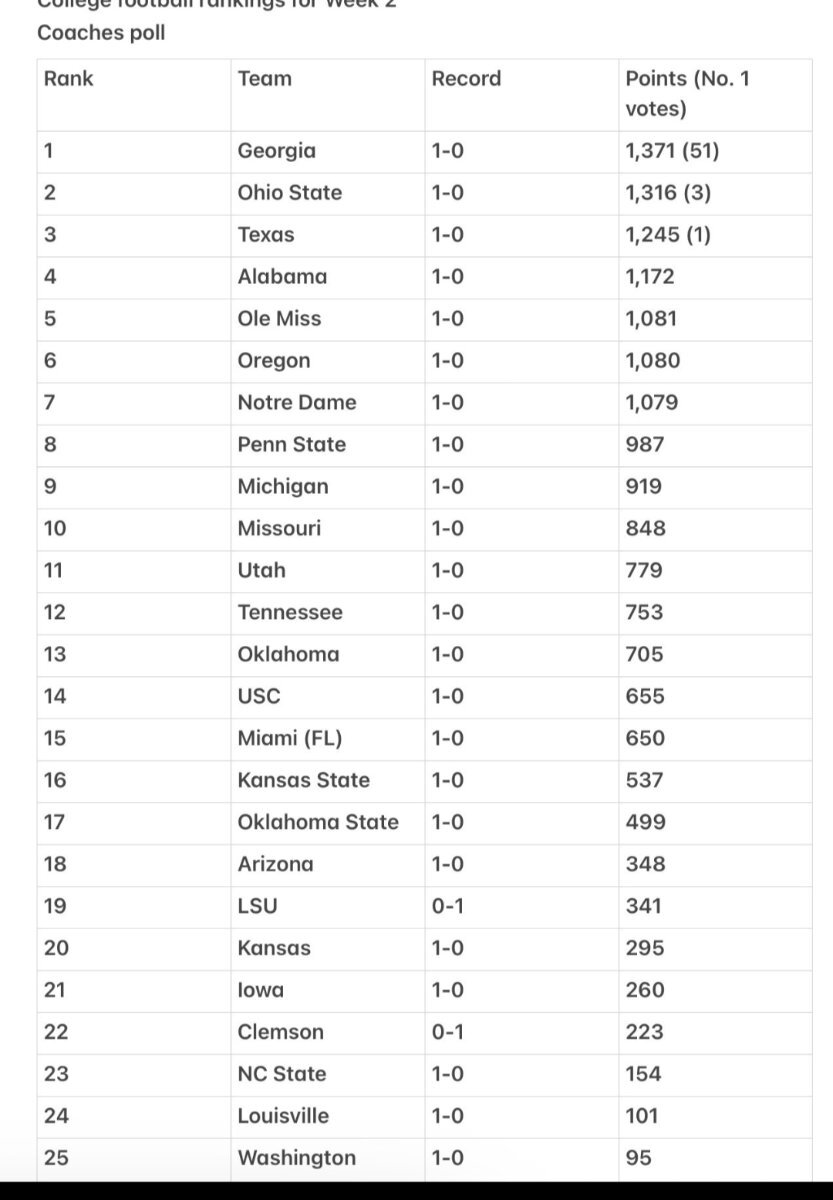
 Texas up to #3
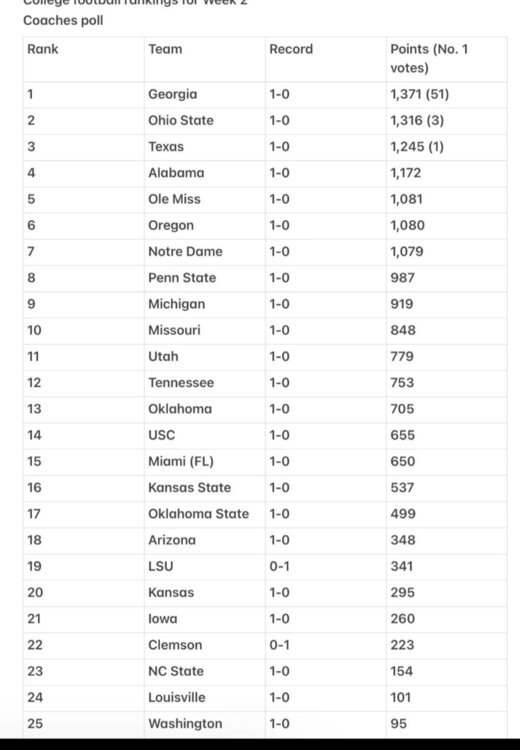 https://x.com/jamieuyeyama/status/1830749734354432103?t=qW9eDwdKpr1Sy1iOmdsUJQ&s=19NmCan't argue with logic
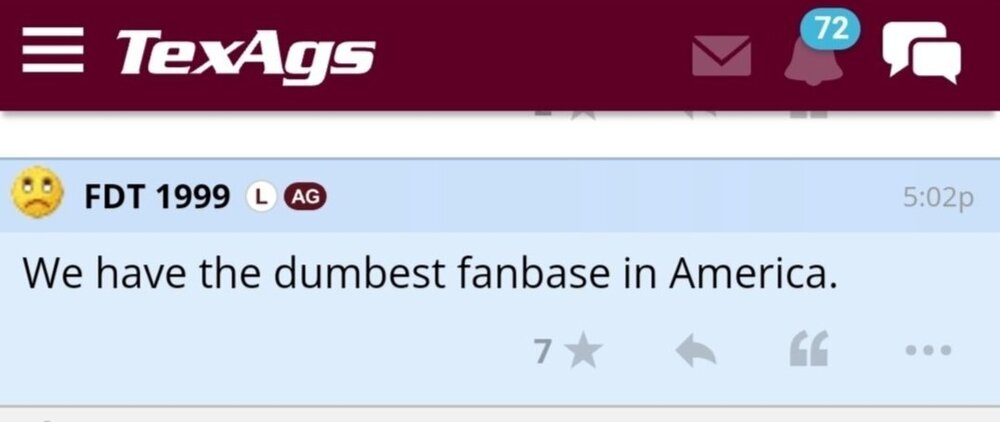
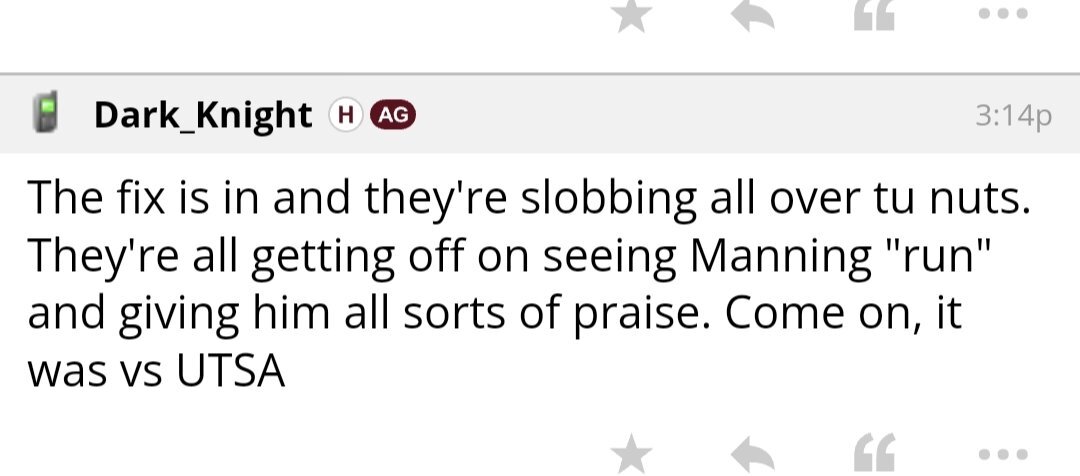
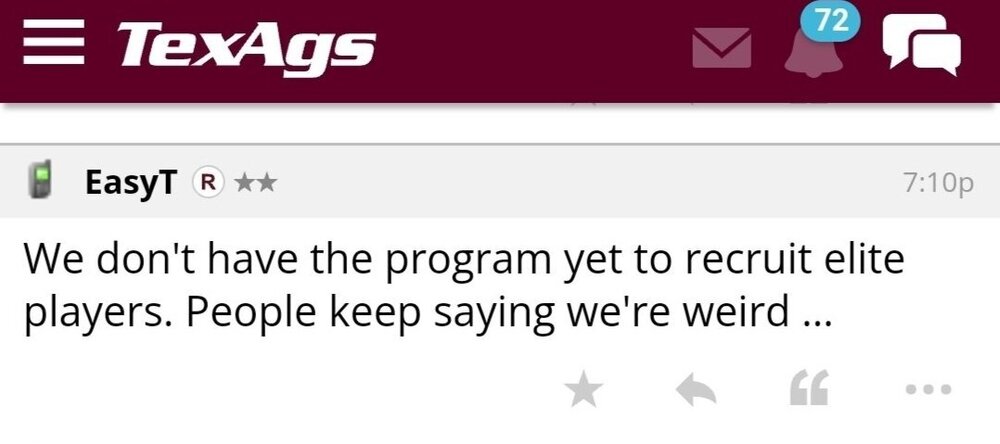 Agreed. That FSU team quit on him on national television. Not a good look. A lot of dead weight on the team. If Norvell survives the season wholesale changes need to happen from staff on down. BC just went into Doak Campbell and physically whipped their assNow you're just showing off by spelling Uiagalelei correctly 😁Need to somehow flip Charles & WynnIf you do not want to pay for a streaming service I would suggest Dofu App http://dofustream.comFubotv carries the AstrosSwitched to fubotv 3 years ago. Never looked back.Because texags was telling their subscribers they were in it right up until the end. Deliberately misleading their subscribers & they won't admit it.Jonah Williams broke aggyWill definitely be watching. Thanks Gerry








Important Information
We have placed cookies on your device to help make this website better. You can adjust your cookie settings, otherwise we'll assume you're okay to continue.
Account
Navigation
Search
Configure browser push notifications
Chrome (Android)
- Tap the lock icon next to the address bar.
- Tap Permissions → Notifications.
- Adjust your preference.
Chrome (Desktop)
- Click the padlock icon in the address bar.
- Select Site settings.
- Find Notifications and adjust your preference.
Safari (iOS 16.4+)
- Ensure the site is installed via Add to Home Screen.
- Open Settings App → Notifications.
- Find your app name and adjust your preference.
Safari (macOS)
- Go to Safari → Preferences.
- Click the Websites tab.
- Select Notifications in the sidebar.
- Find this website and adjust your preference.
Edge (Android)
- Tap the lock icon next to the address bar.
- Tap Permissions.
- Find Notifications and adjust your preference.
Edge (Desktop)
- Click the padlock icon in the address bar.
- Click Permissions for this site.
- Find Notifications and adjust your preference.
Firefox (Android)
- Go to Settings → Site permissions.
- Tap Notifications.
- Find this site in the list and adjust your preference.
Firefox (Desktop)
- Open Firefox Settings.
- Search for Notifications.
- Find this site in the list and adjust your preference.